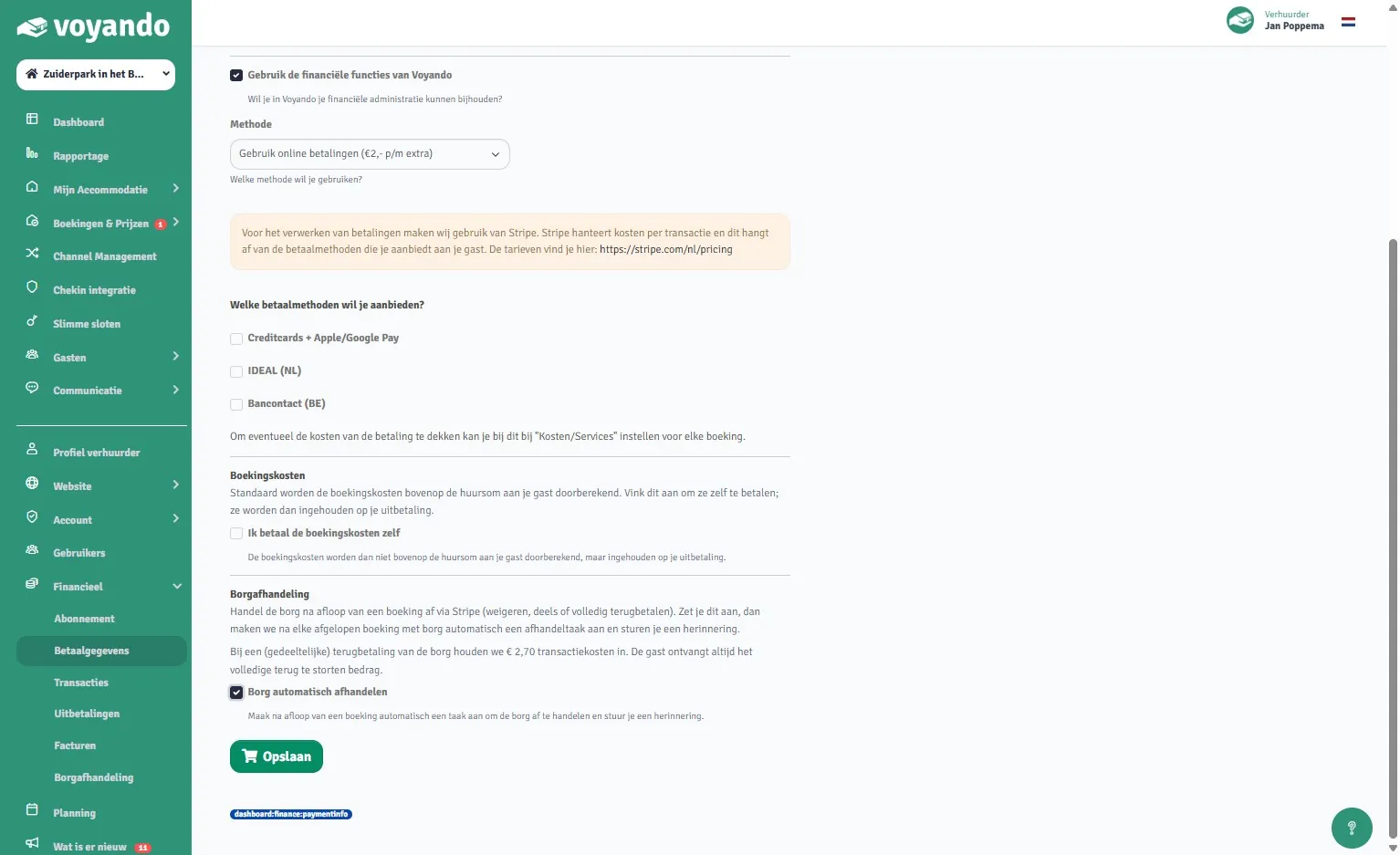
Set this up in Voyando so that the deposit is automatically refunded for bookings made via your own website. This applies only to new bookings.
Step by step
-
Step 1: The automatic refund of the deposit only applies to bookings made via your own website. Was the booking made via a platform? If so, please contact the relevant platform to discuss the options for refunding the deposit.
-
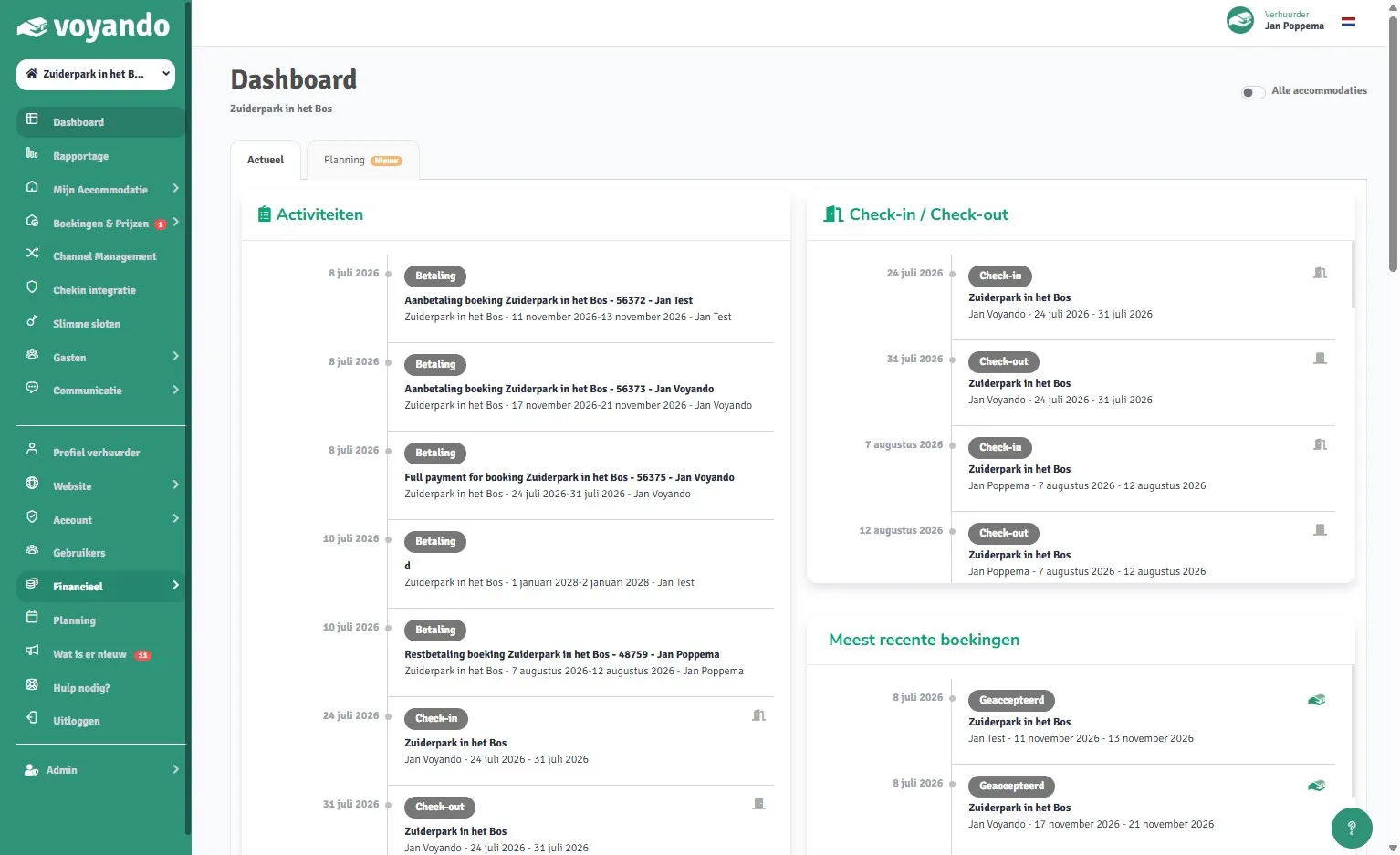
Step 2: Go to voyando.com/dashboard
-
Step 3: Click on Financial
-
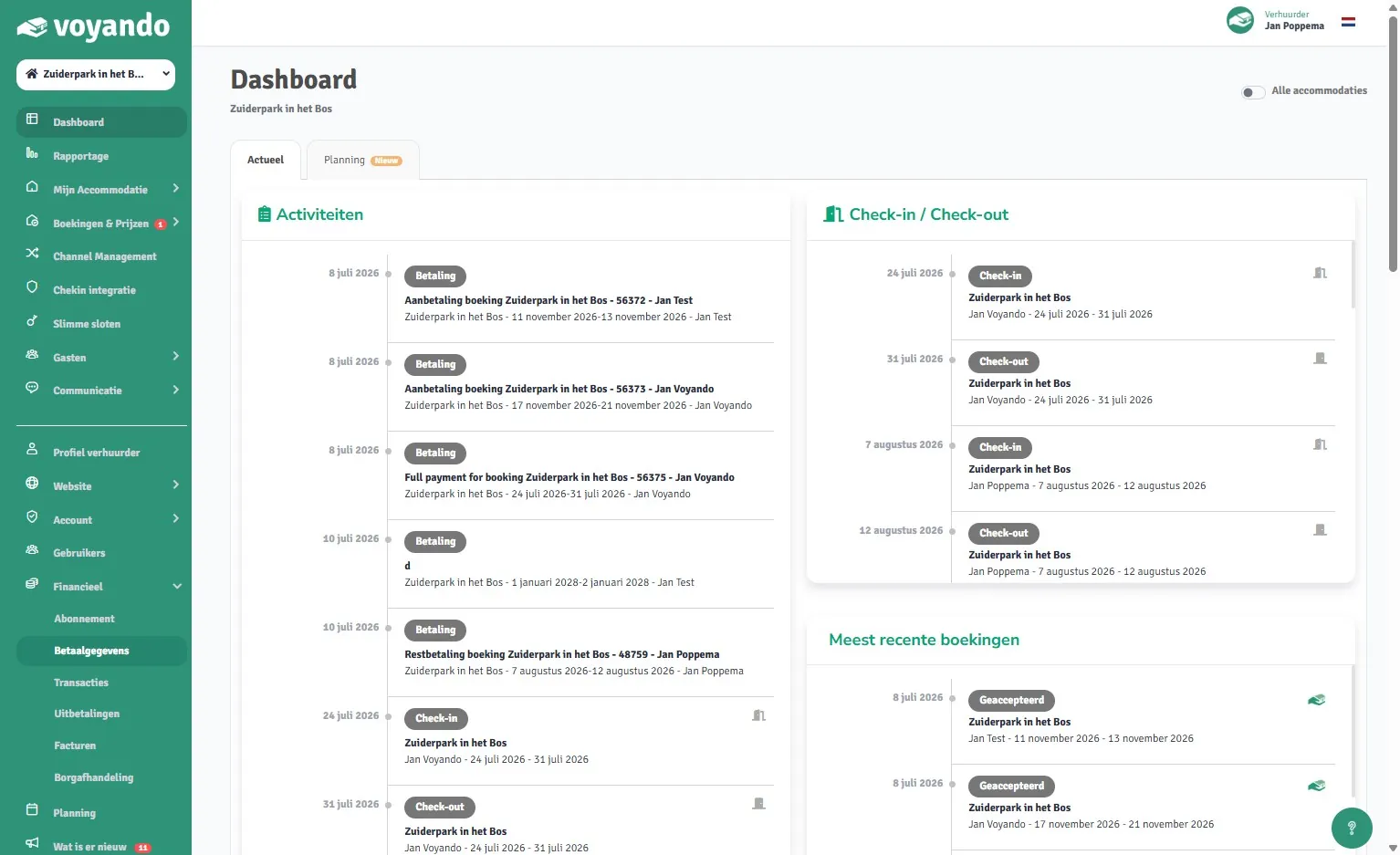
Step 4: Click on Payment details
-
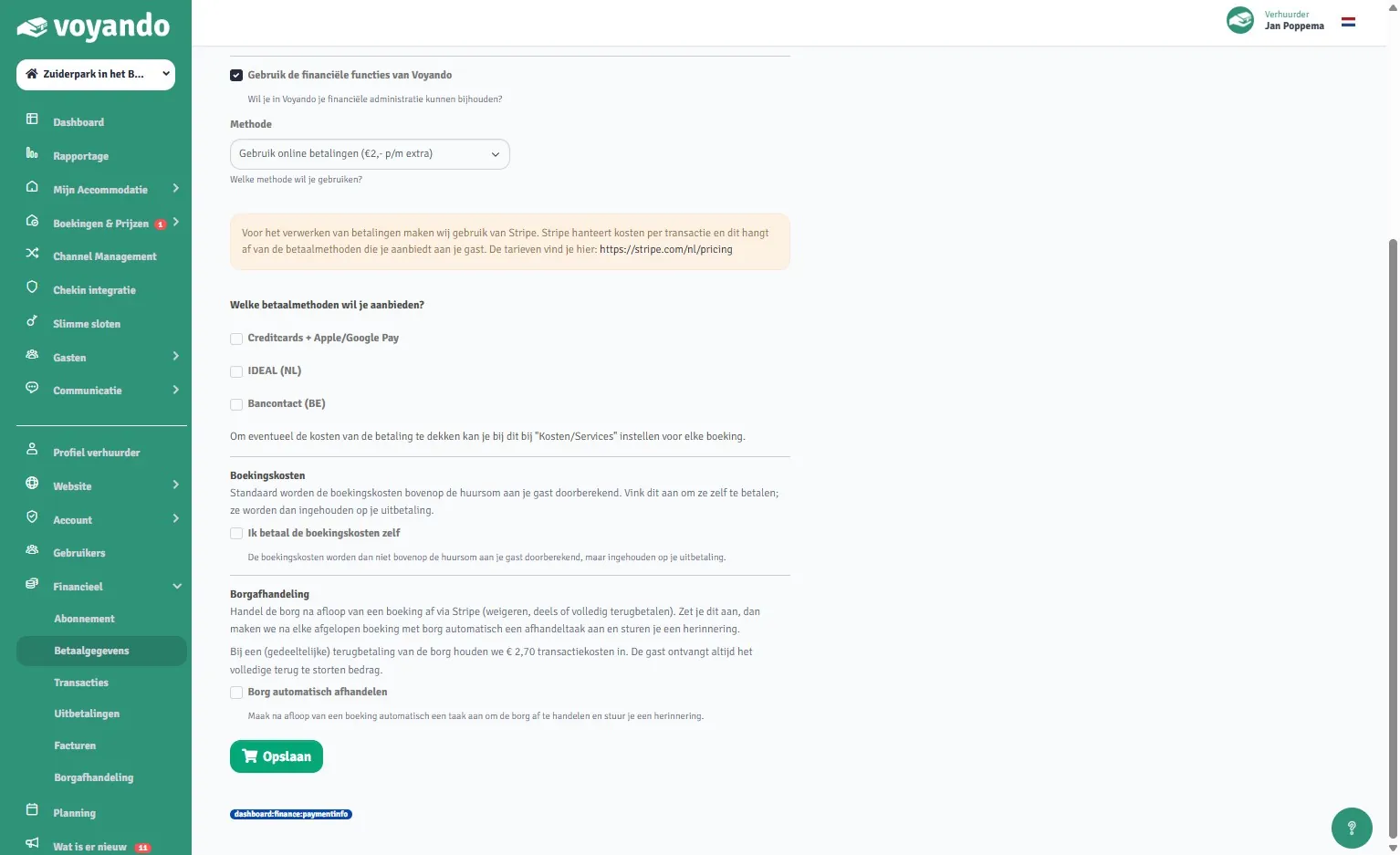
Step 5: Tick the ‘Process deposit automatically’ box.
-
Step 6: Click Save. This setting applies only to new bookings and cannot be applied retrospectively to existing bookings.