Quickly create an invoice for your guest via ‘Bookings’ in the dashboard, check the details and add any additional charges if necessary.
Step by step
-
Step 1: Go to your dashboard.
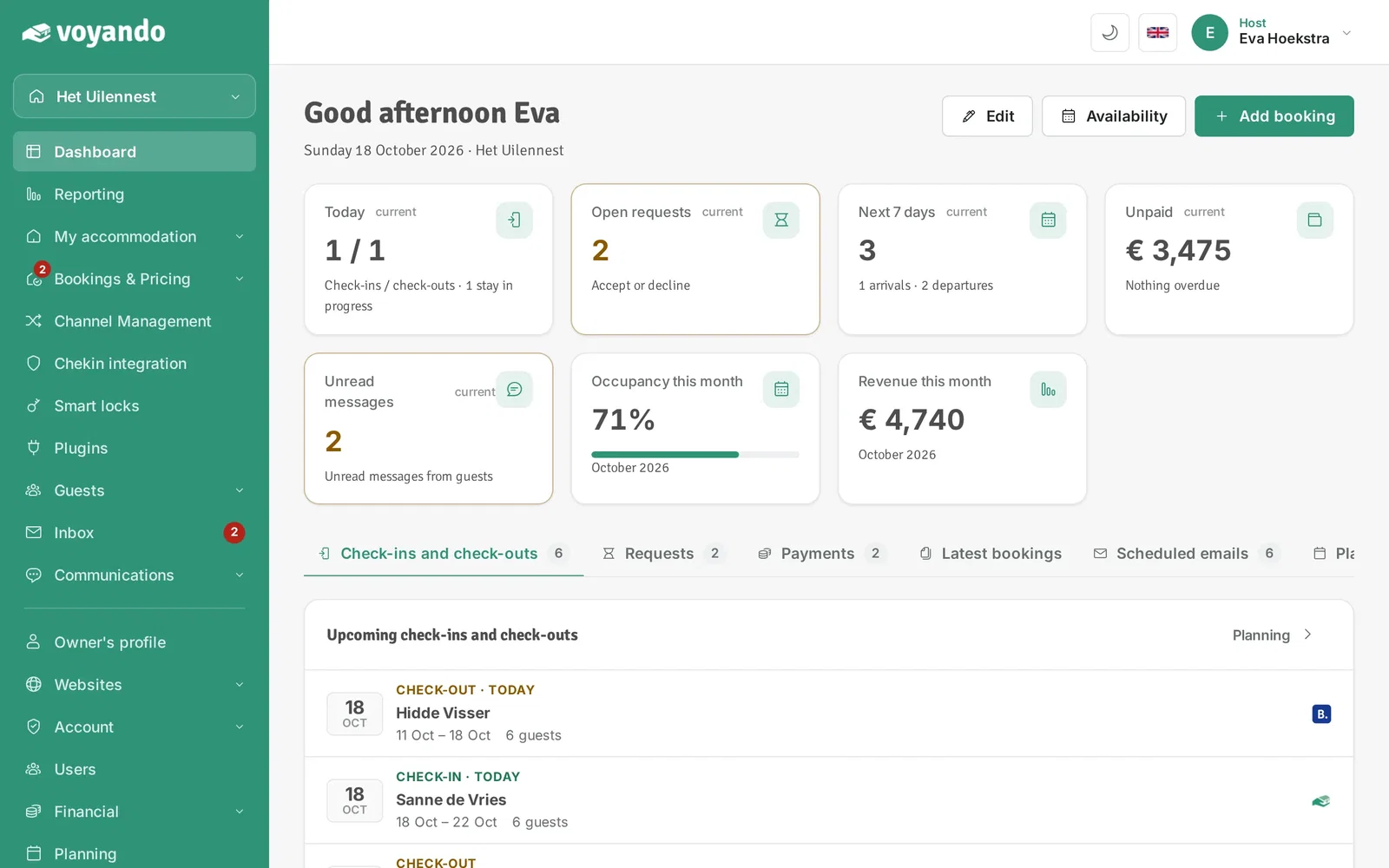
-
Step 2: Click Bookings & Pricing in the menu.
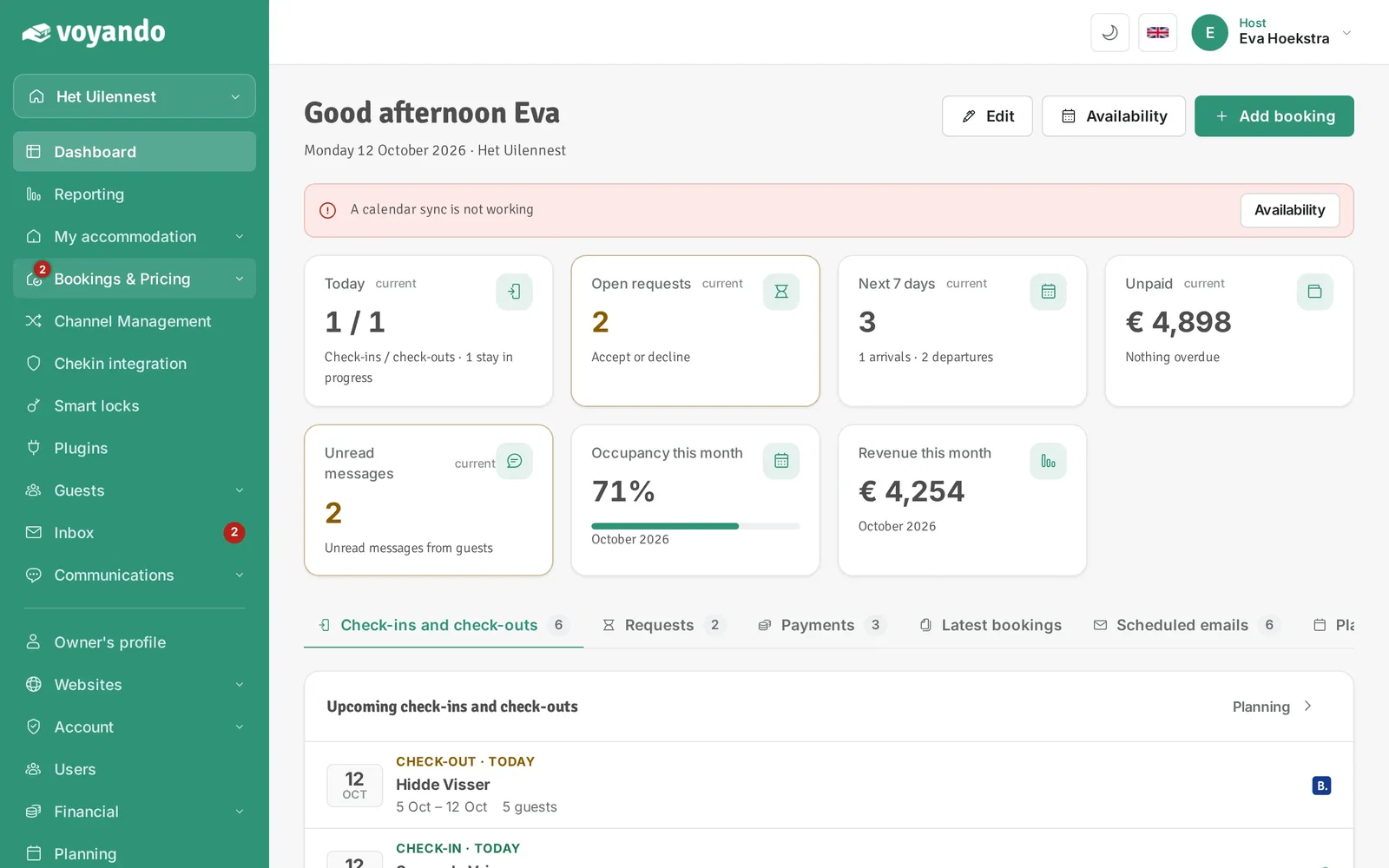
-
Step 3: Click Bookings.
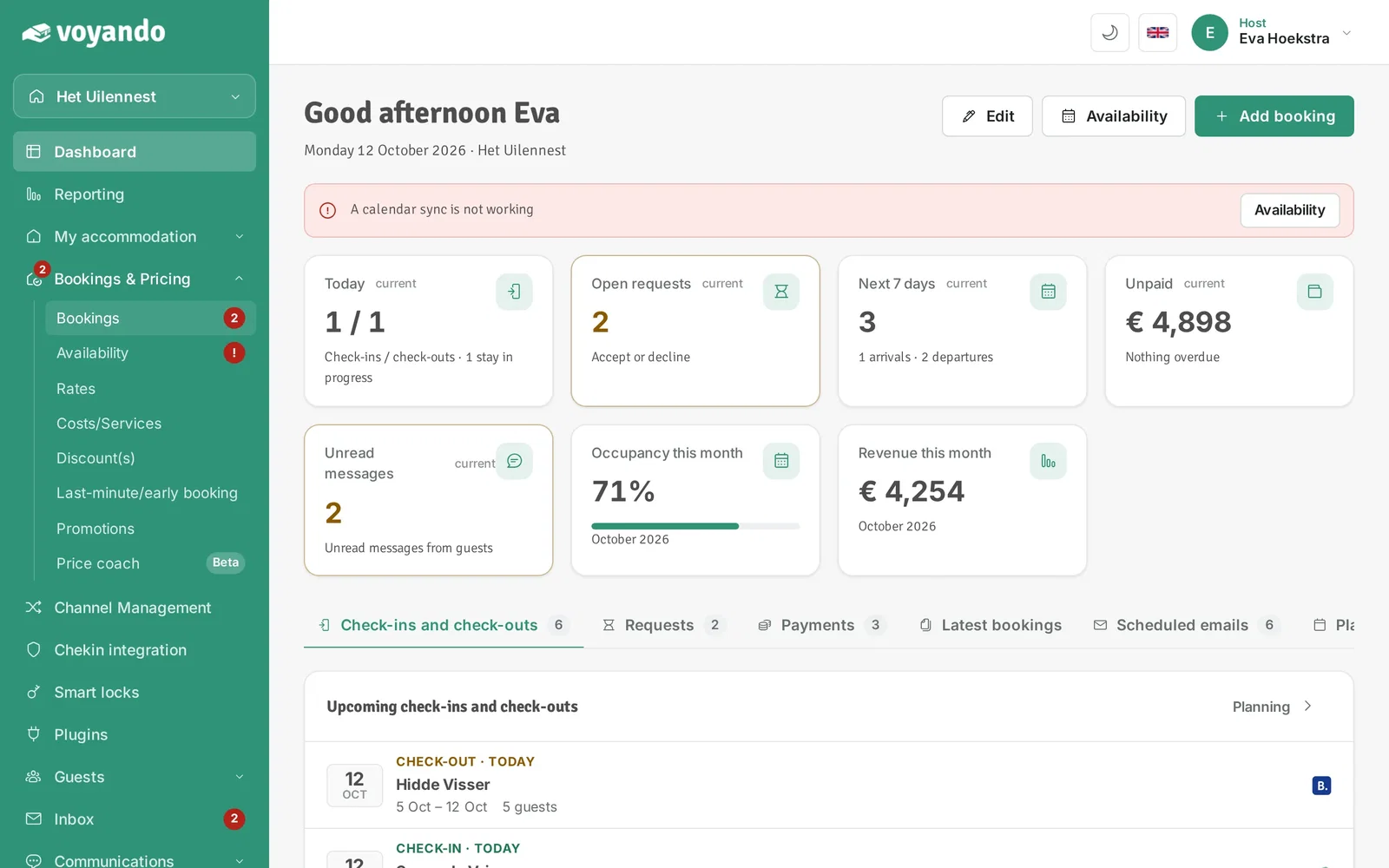
-
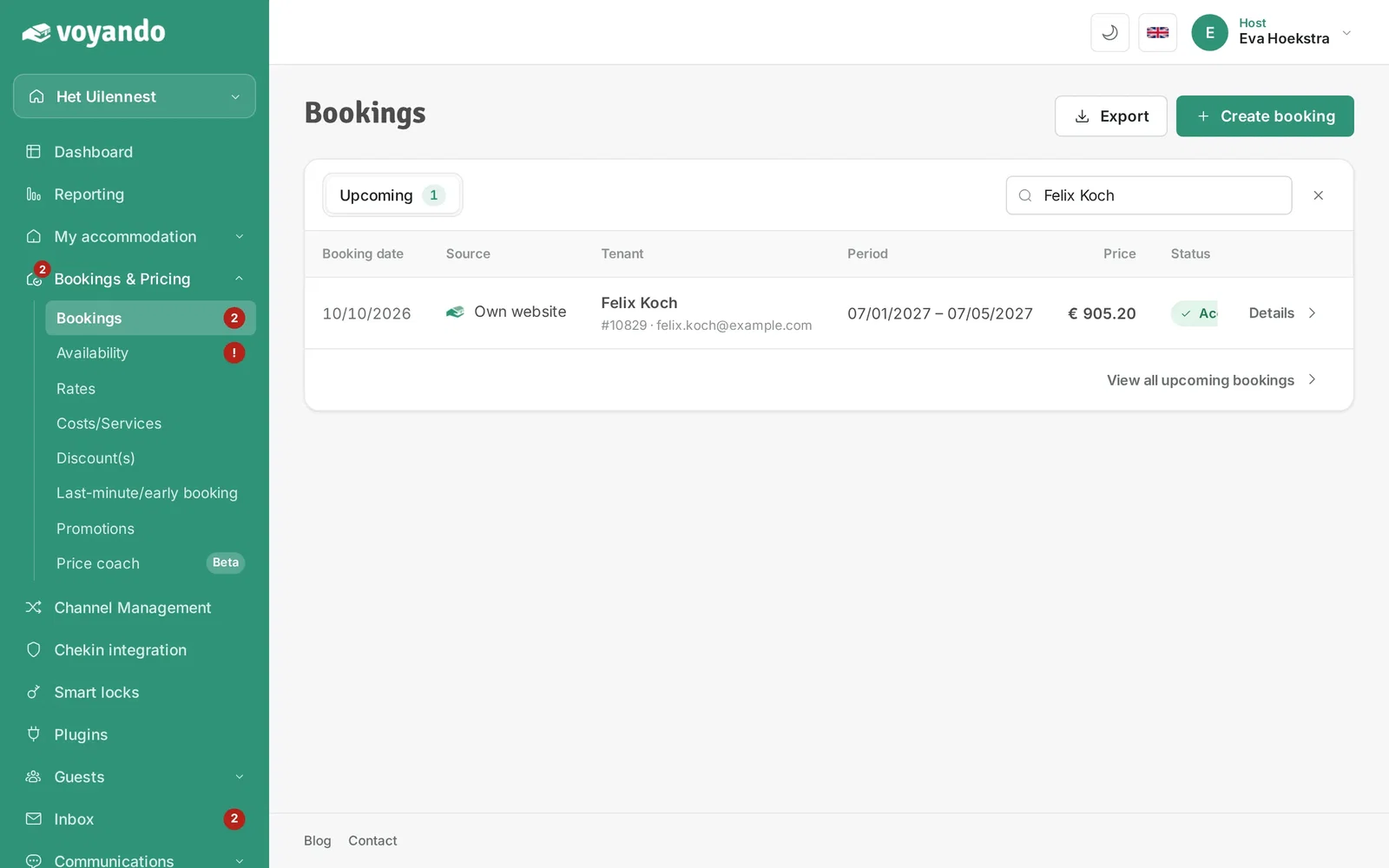
Step 4: Look up the booking you want to create an invoice for, for example by the guest's name.
-
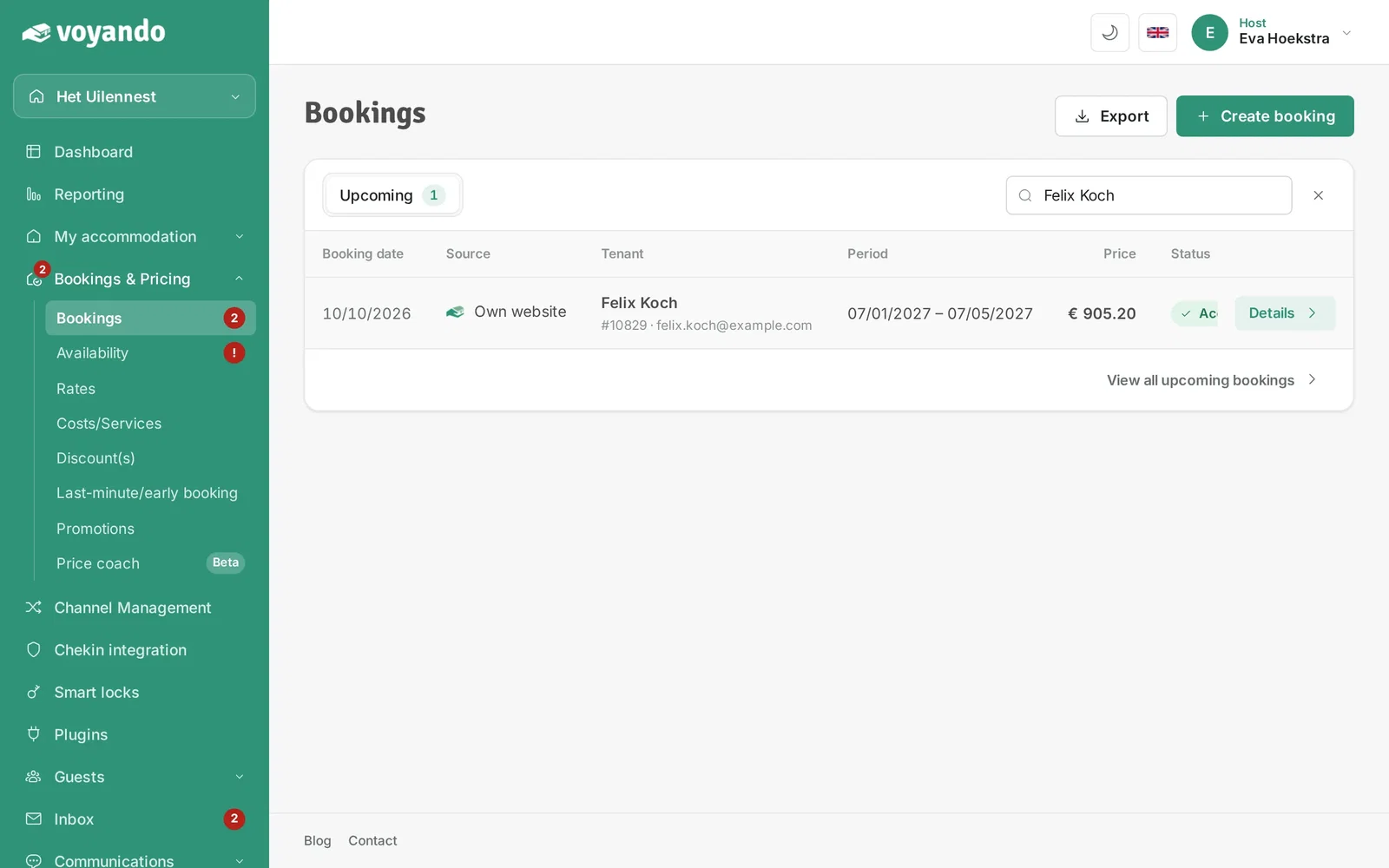
Step 5: Click Details next to the booking.
-
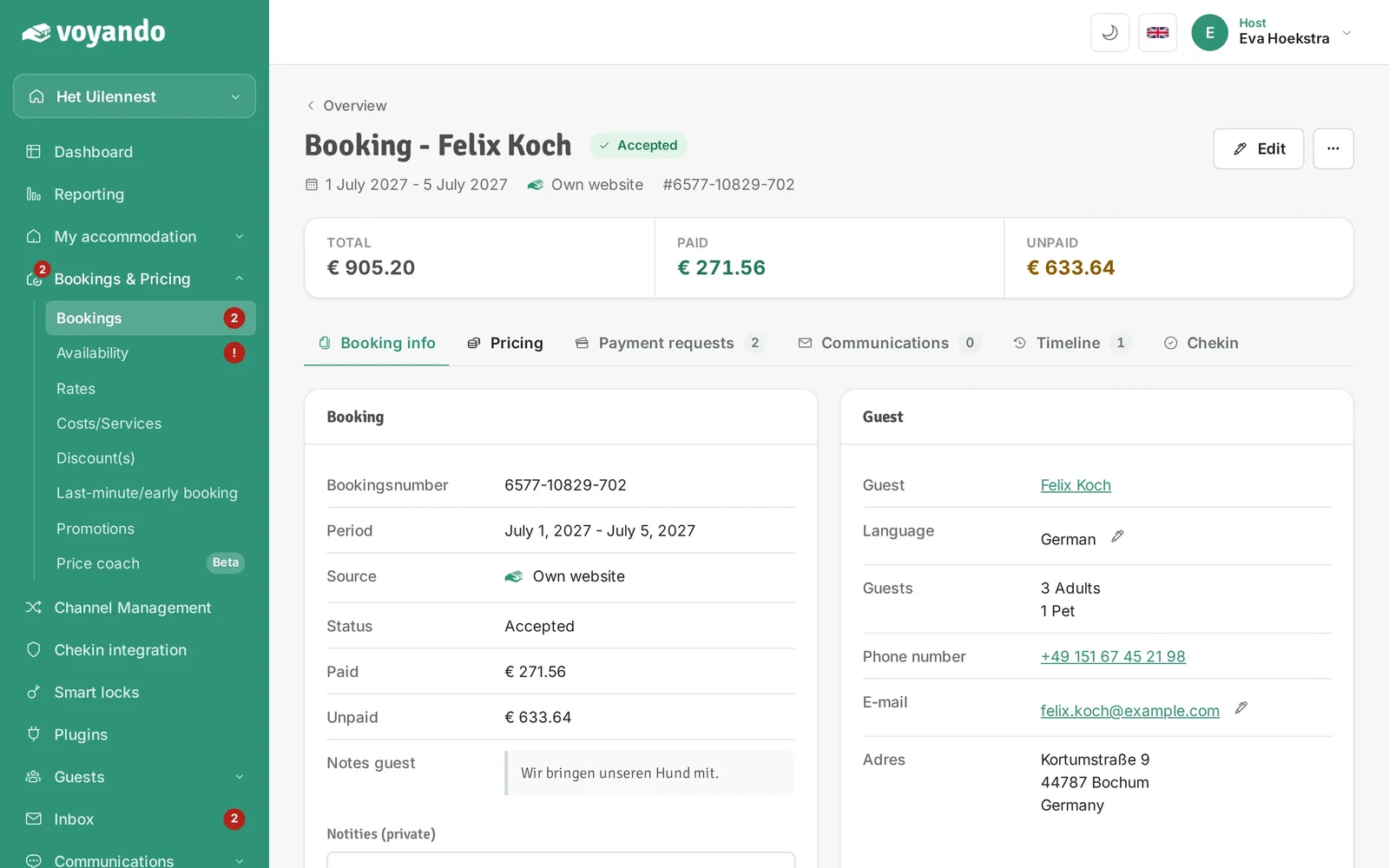
Step 6: Click the Pricing tab.
-
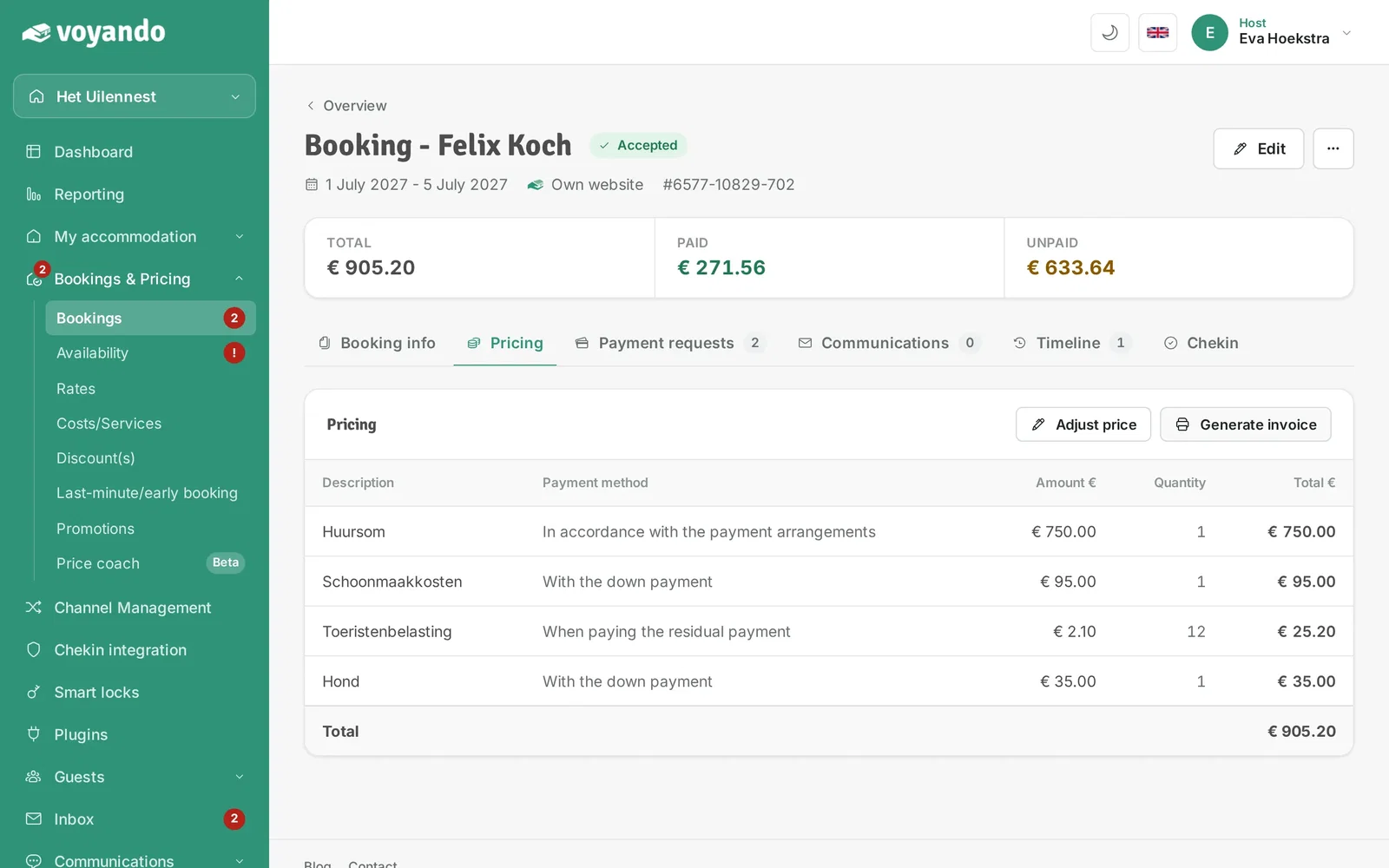
Step 7: Click Generate invoice.
-
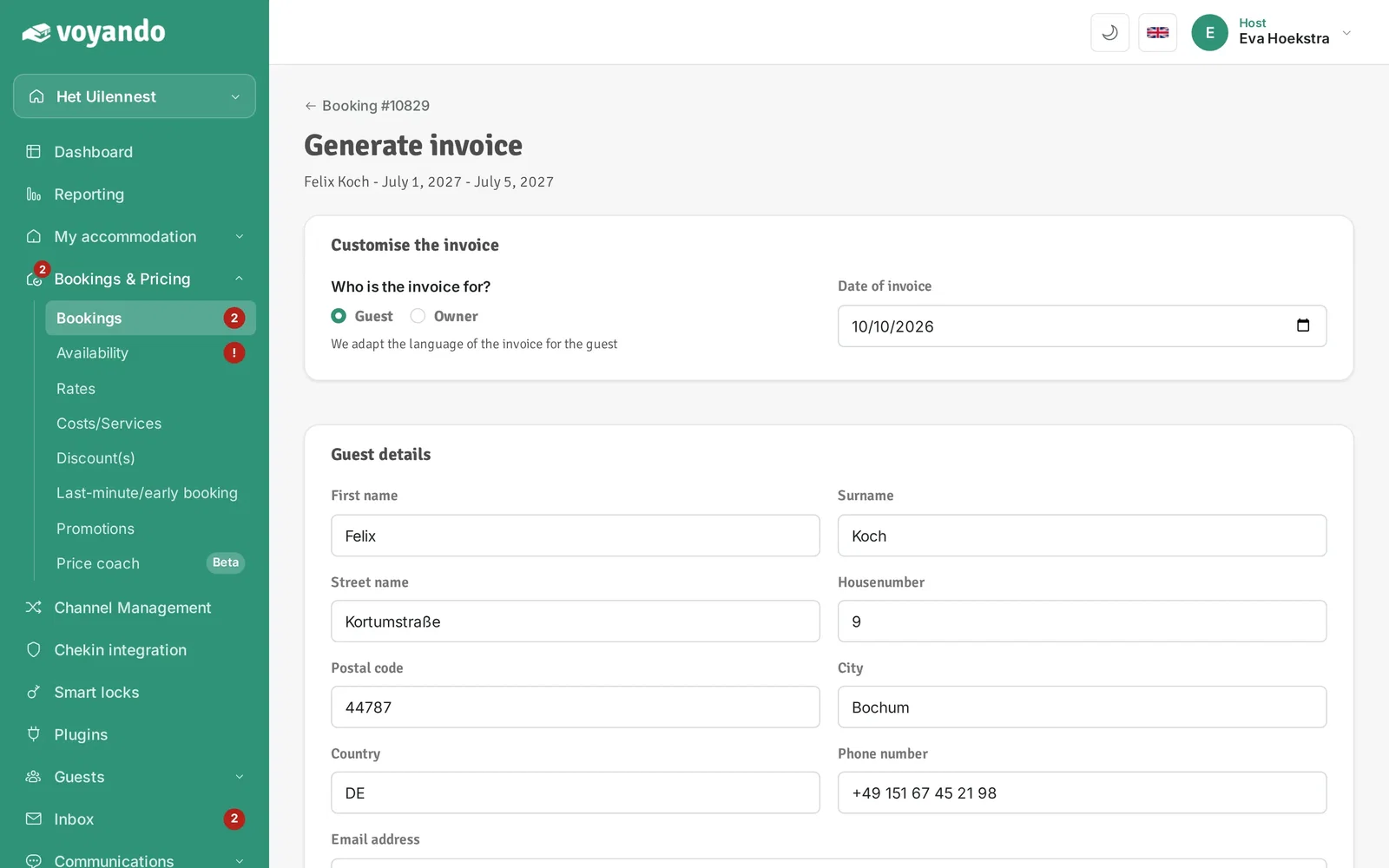
Step 8: Choose who the invoice is for and check the invoice date.
-
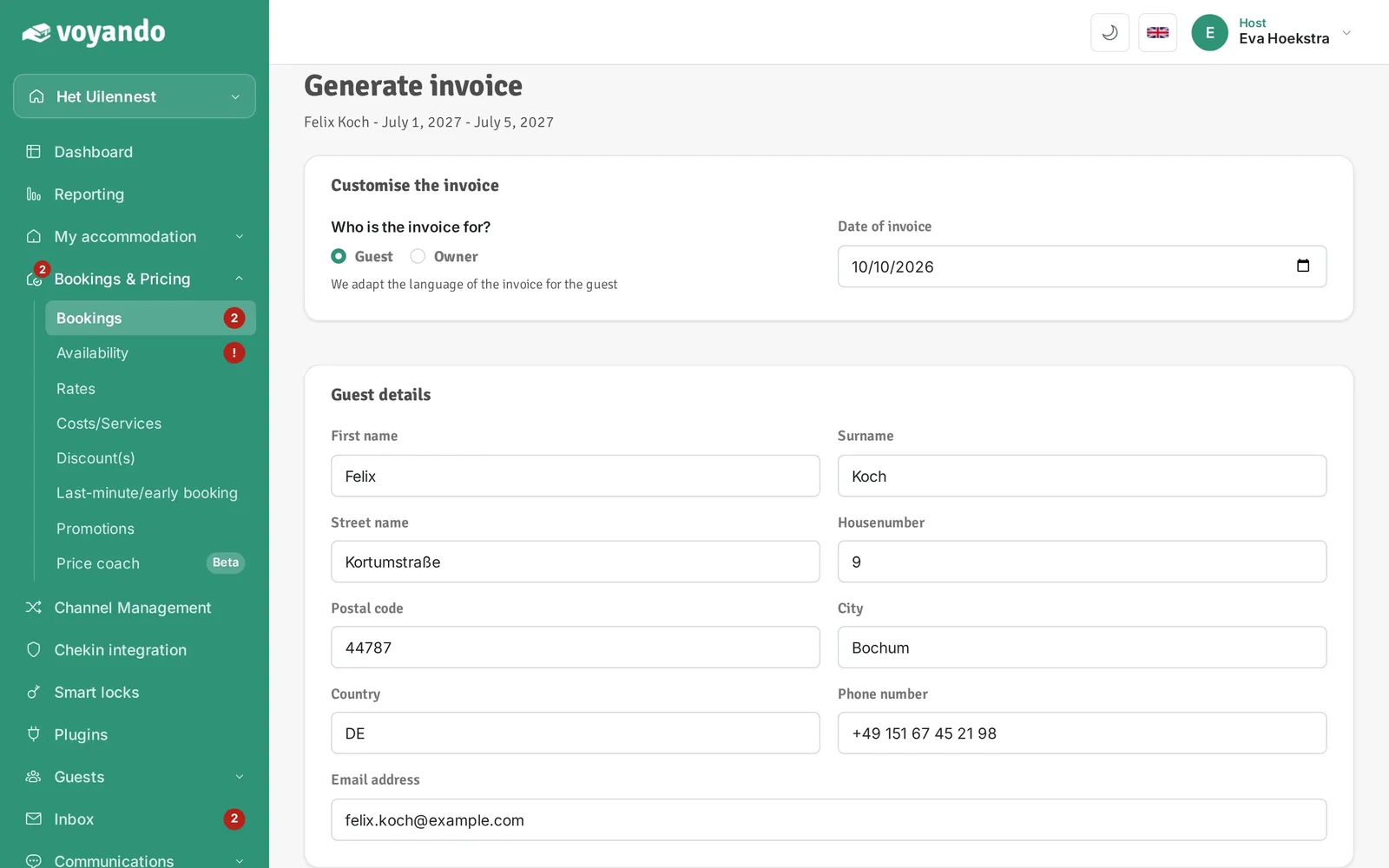
Step 9: Check your guest's details.
-
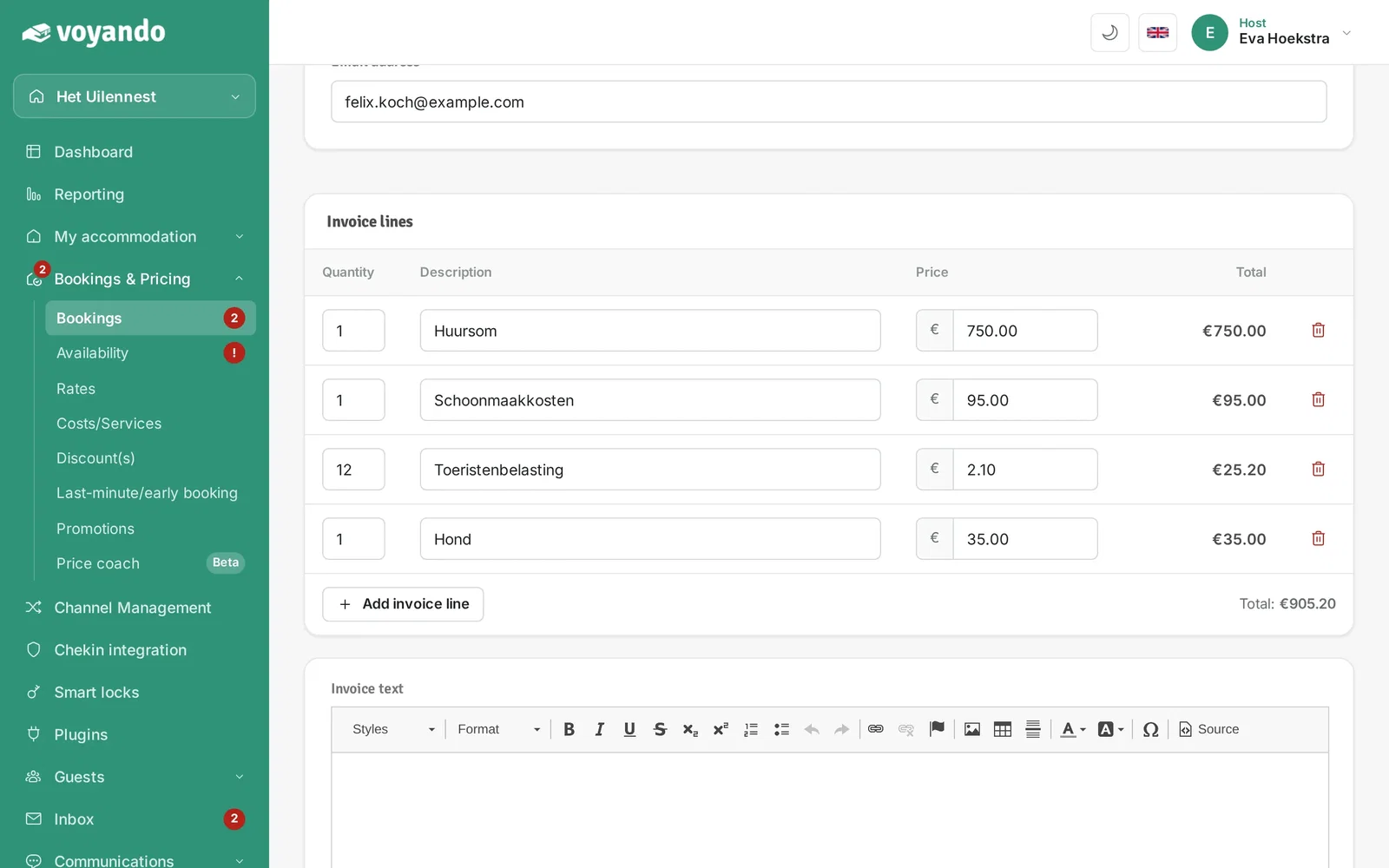
Step 10: Check that the amounts (and the VAT, if any) are correct.
-
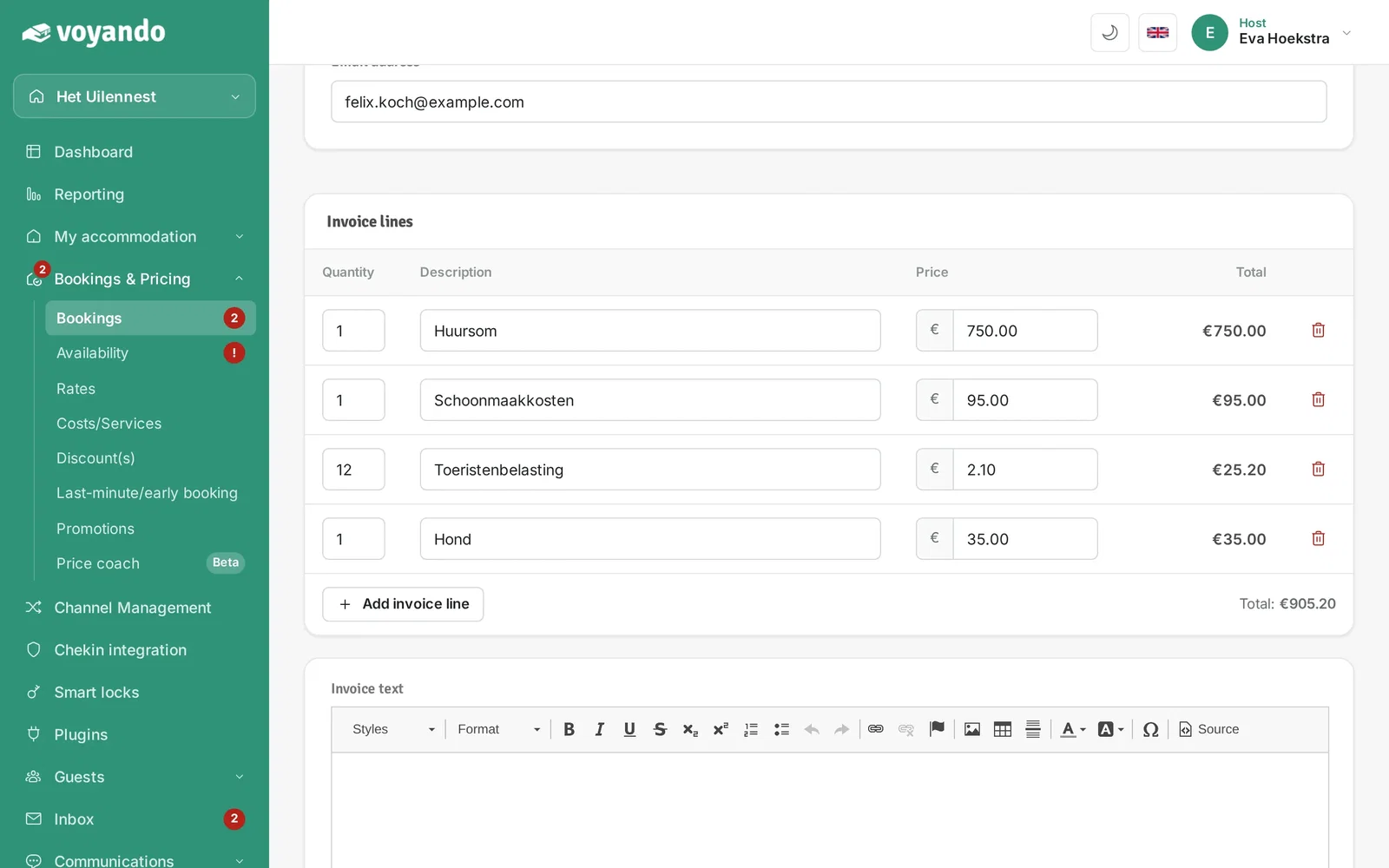
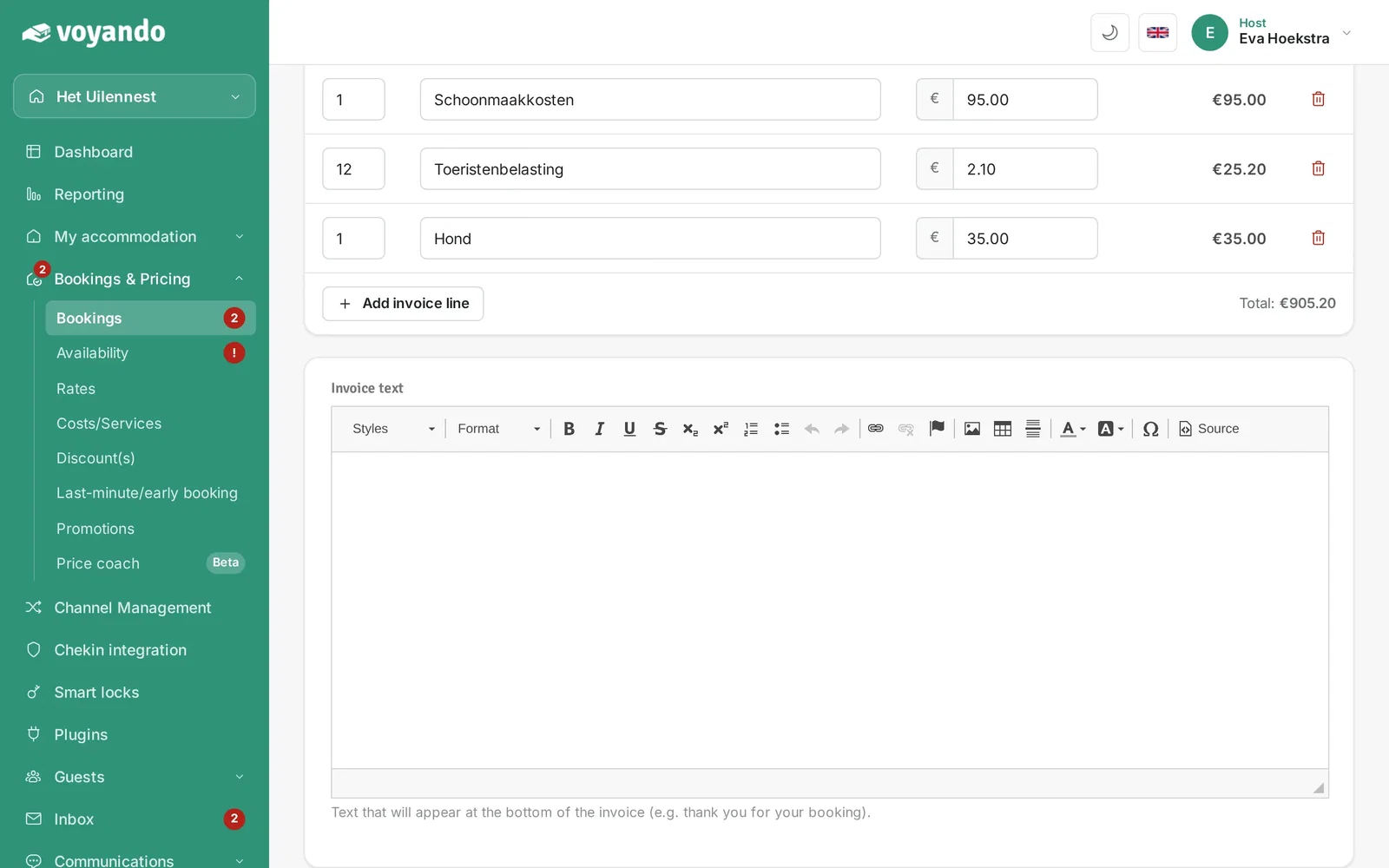
Step 11: Want to add an extra cost item? Click Add invoice line.
-
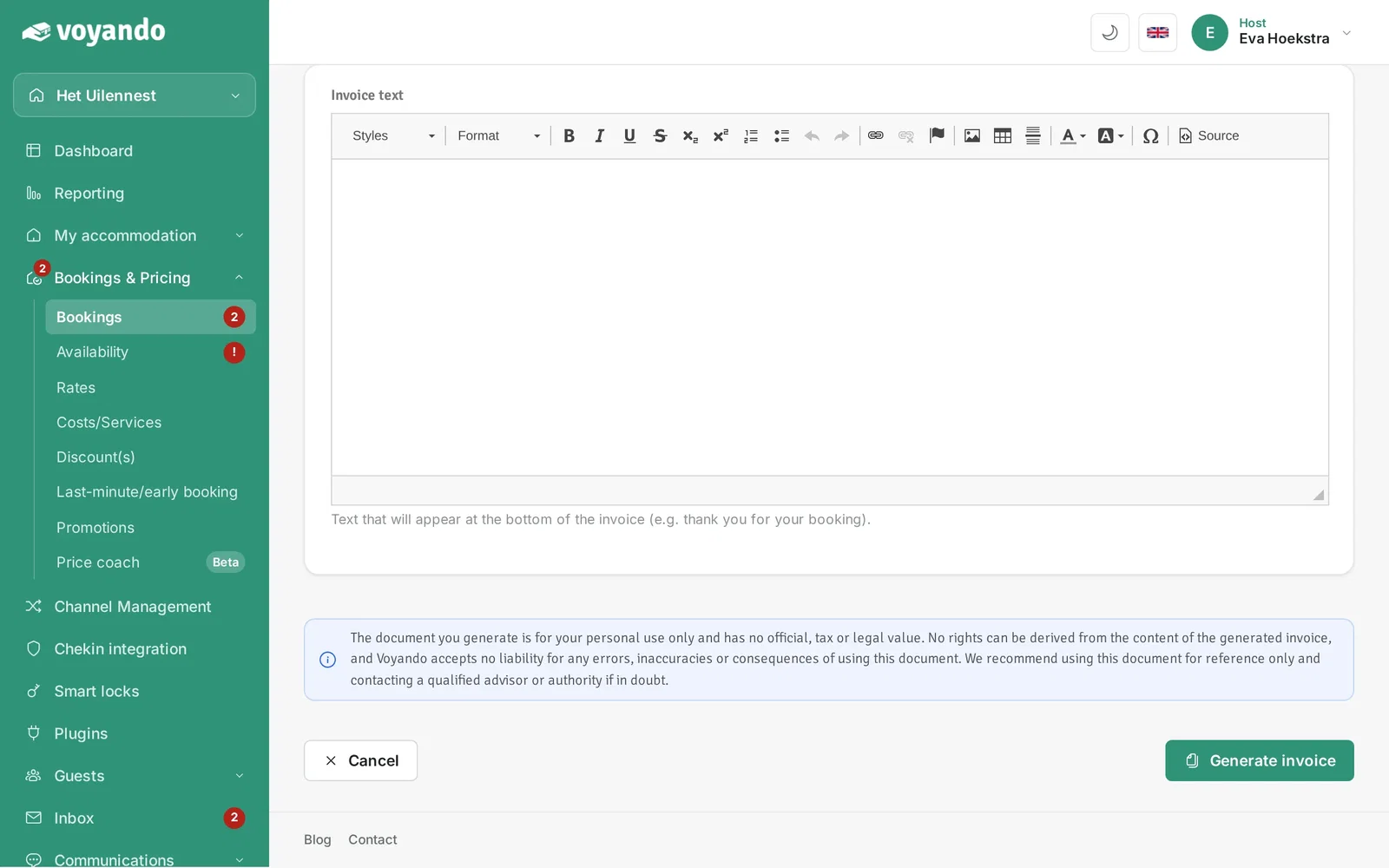
Step 12: Optionally type a message here that appears on the invoice.
-
Step 13: Click Generate invoice. The invoice opens in a new tab.