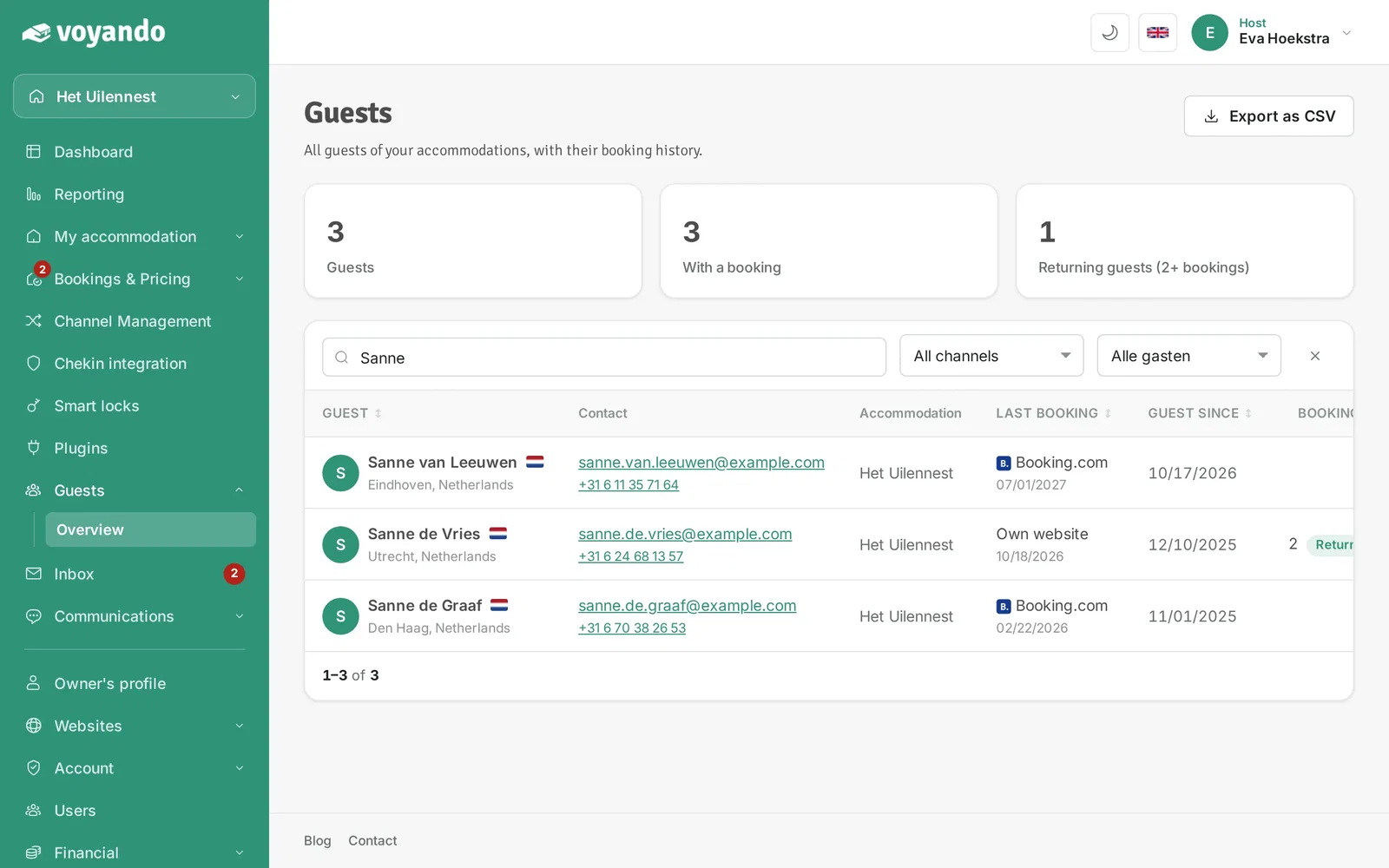
You can easily view and export a list of your guests’ contact details via the Voyando dashboard.
Step by step
-
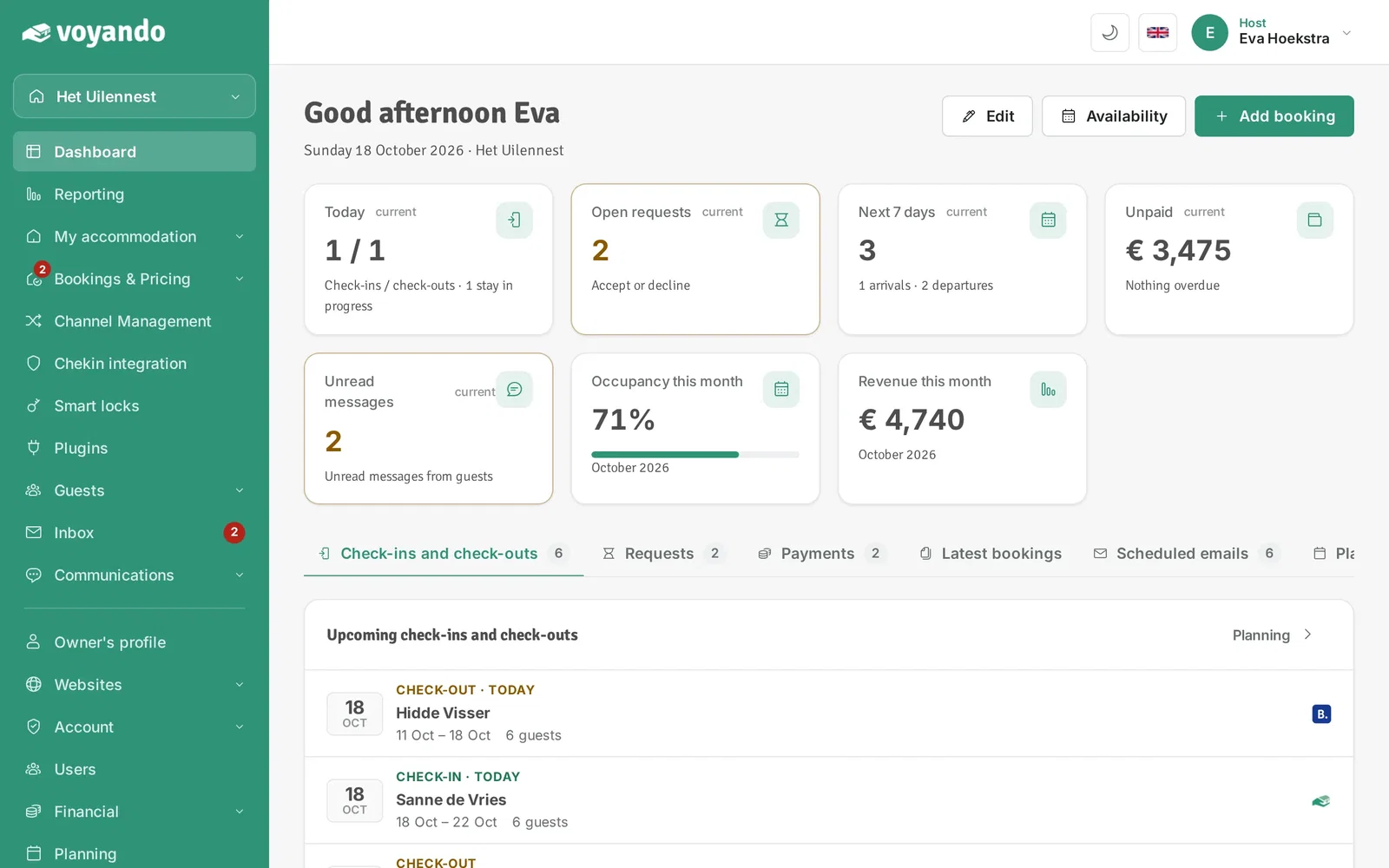
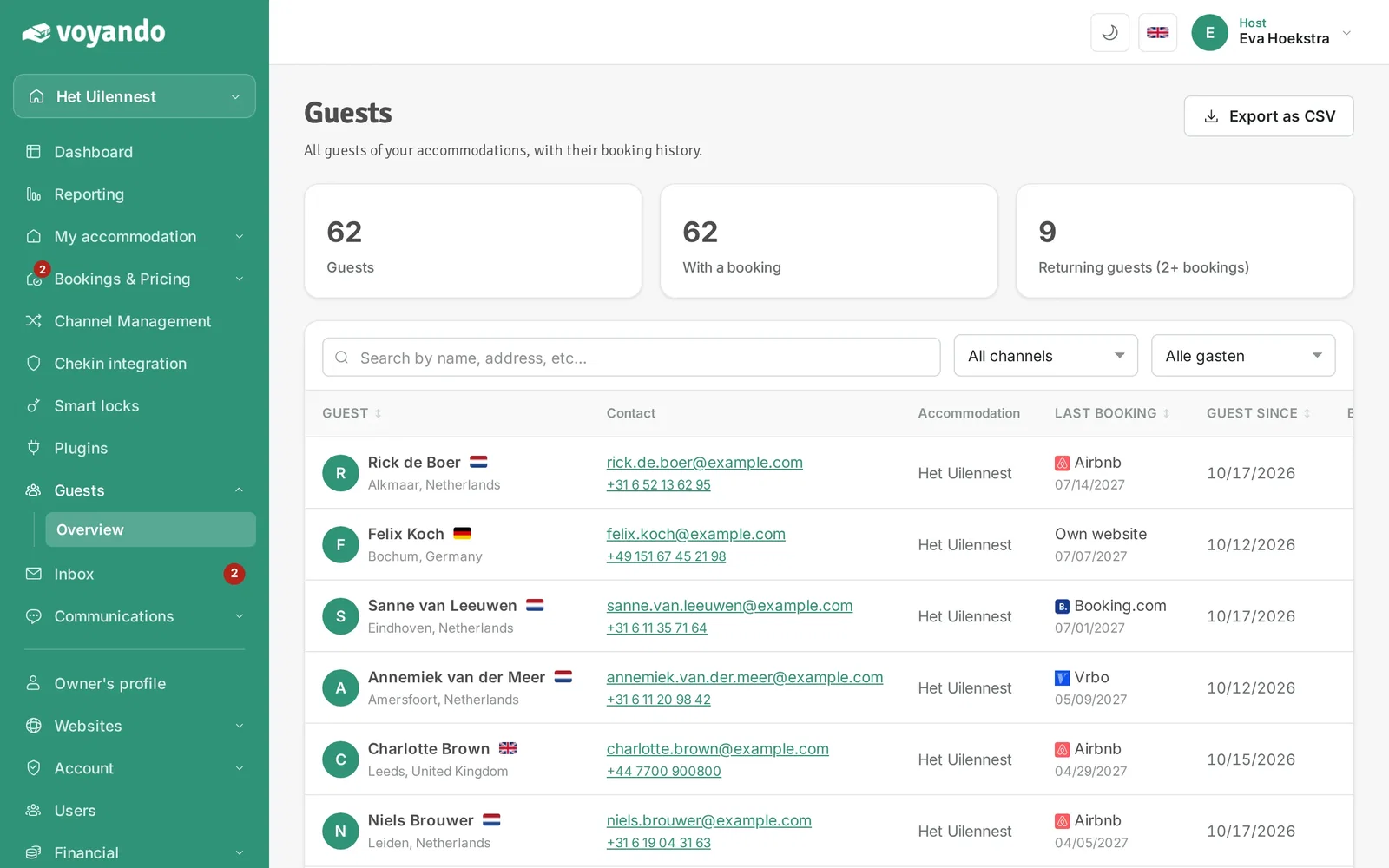
Step 1: Go to your dashboard.
-
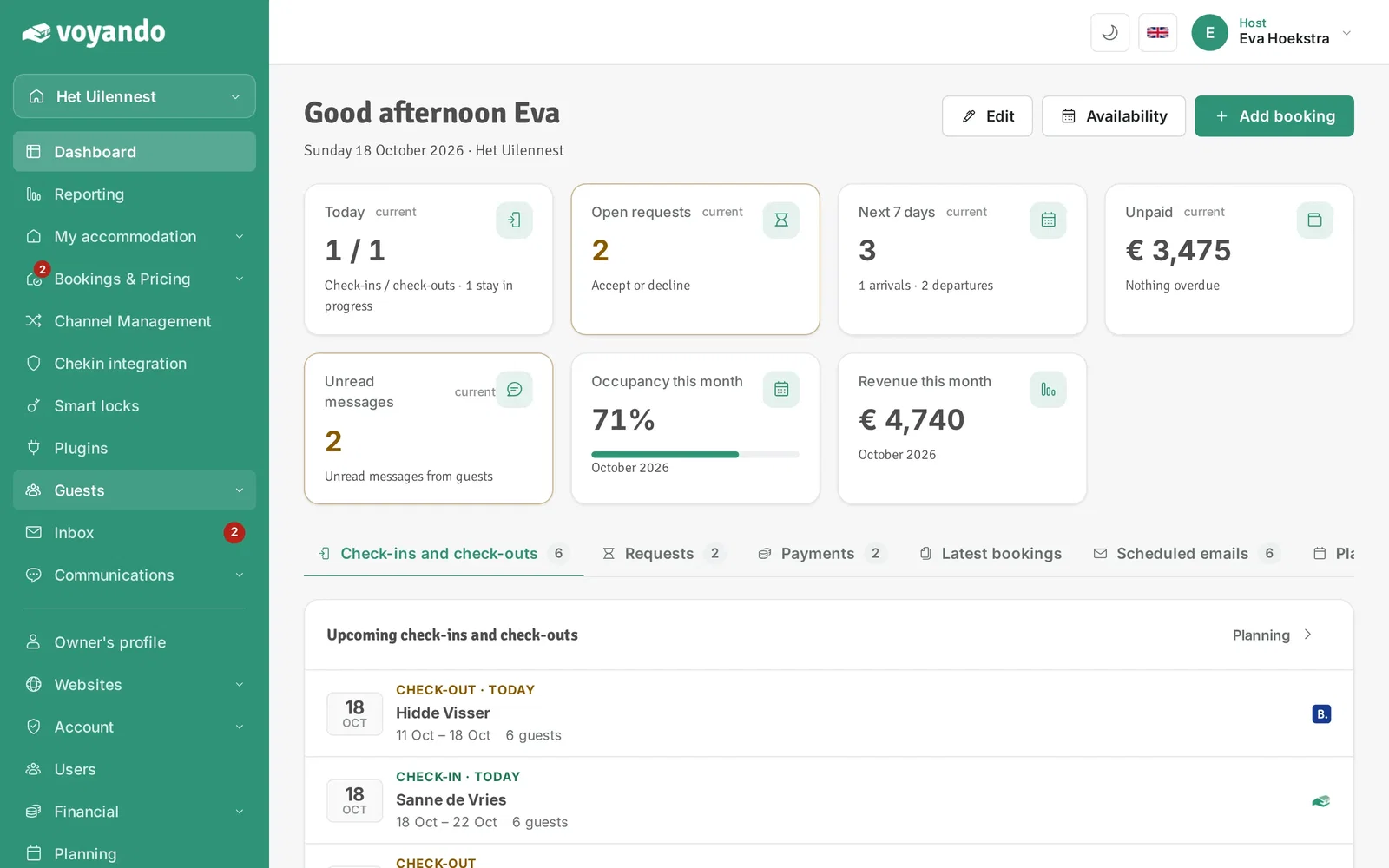
Step 2: Click Guests in the menu.
-
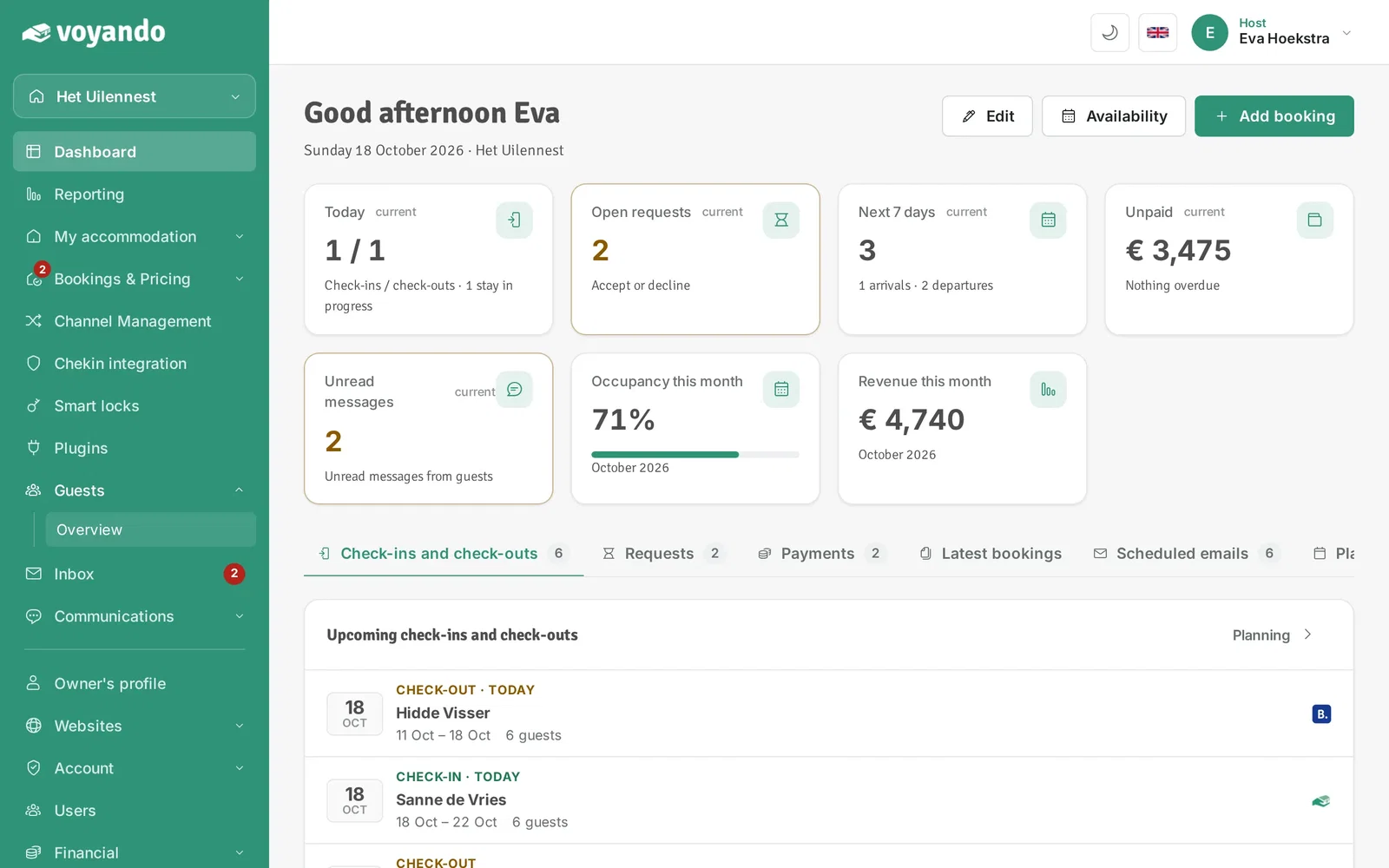
Step 3: Click Overview.
-
Step 4: Under Contact you find each guest's e-mail address and phone number.
-
Step 5: If needed, look up a guest by name, address or e-mail.
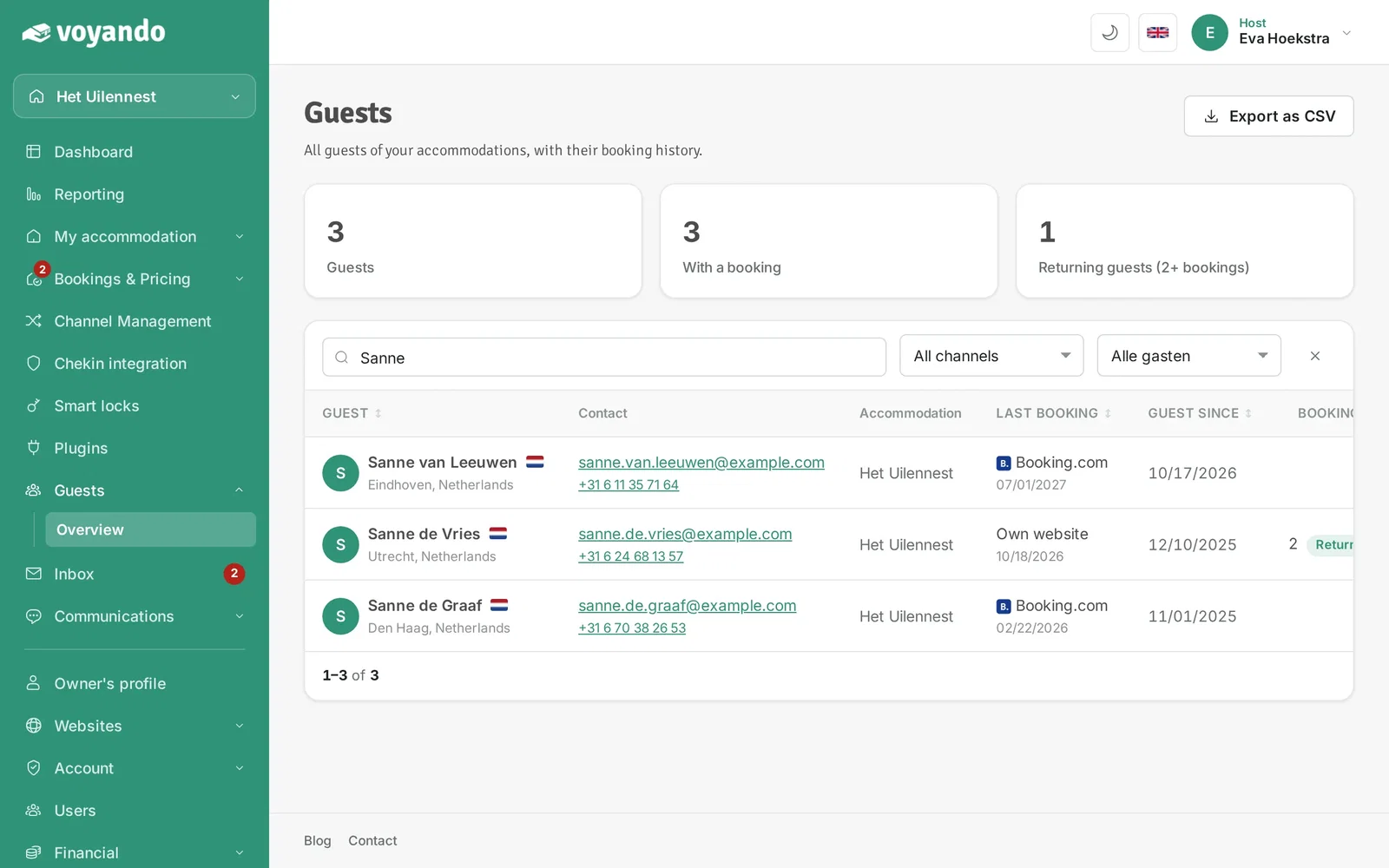
-
Step 6: Want all details in Excel? Click Export as CSV.