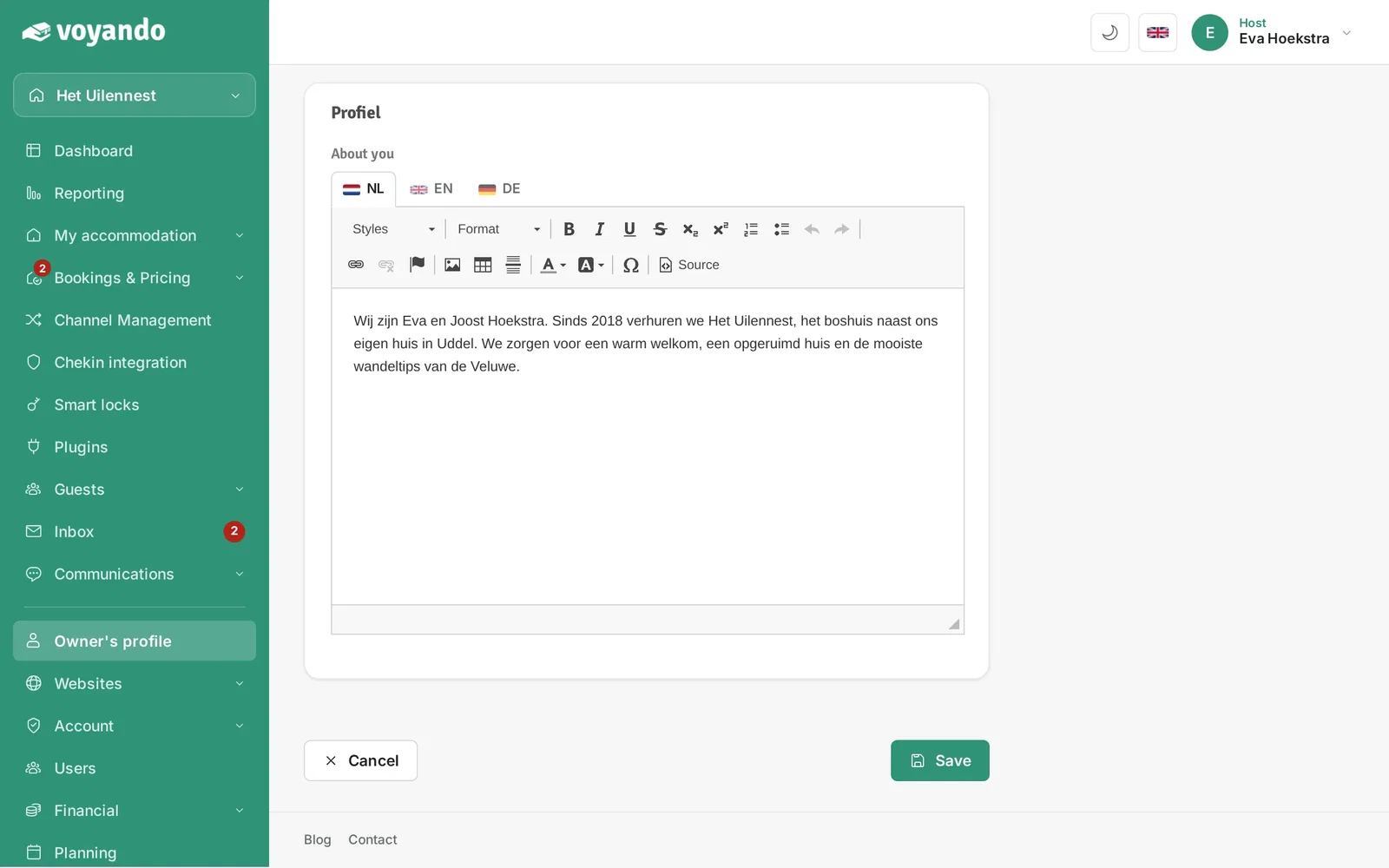
Enter your company name and VAT number under ‘Landlord Profile’ in the ‘Business’ section of your dashboard, then save the details.
Step by step
-
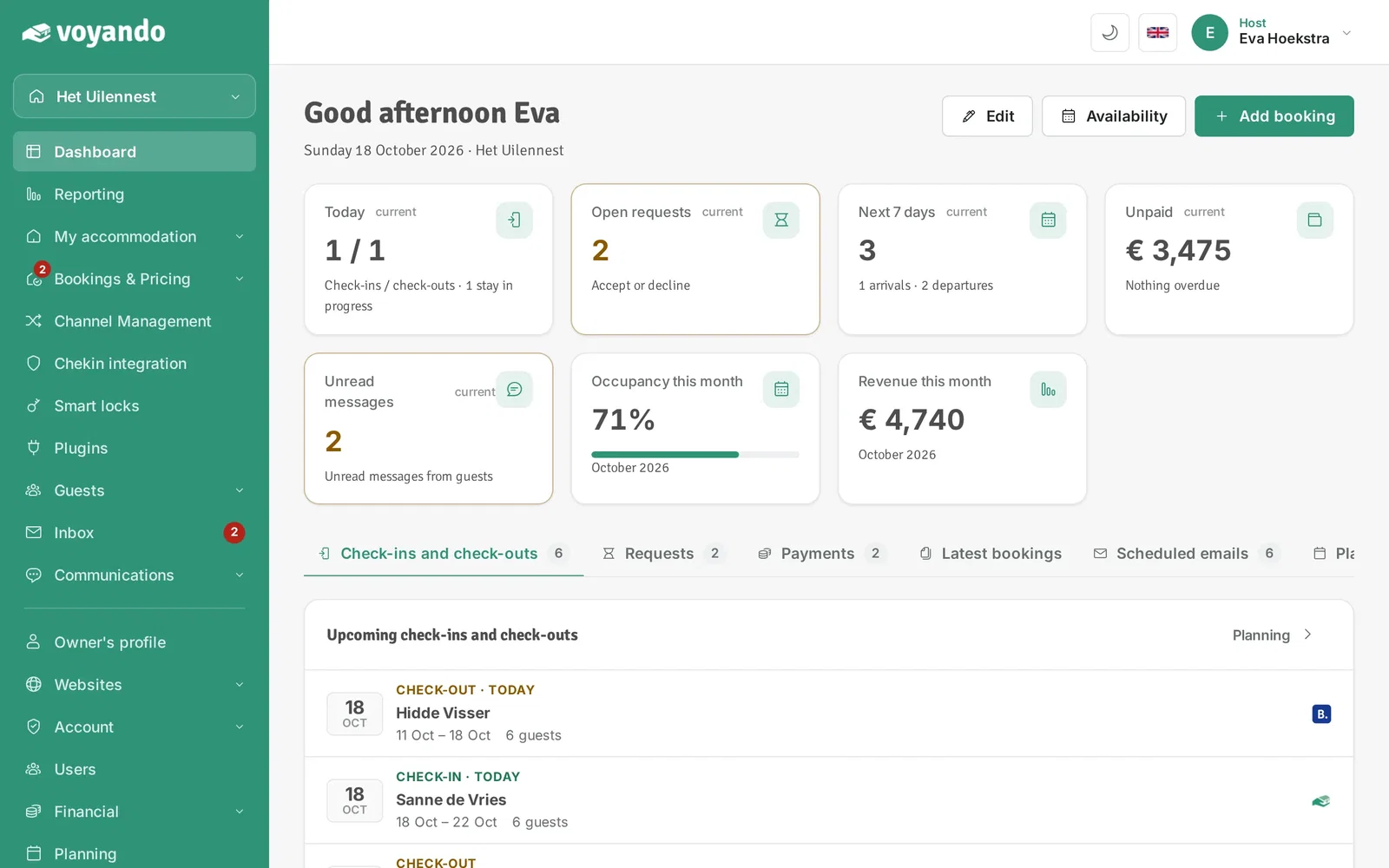
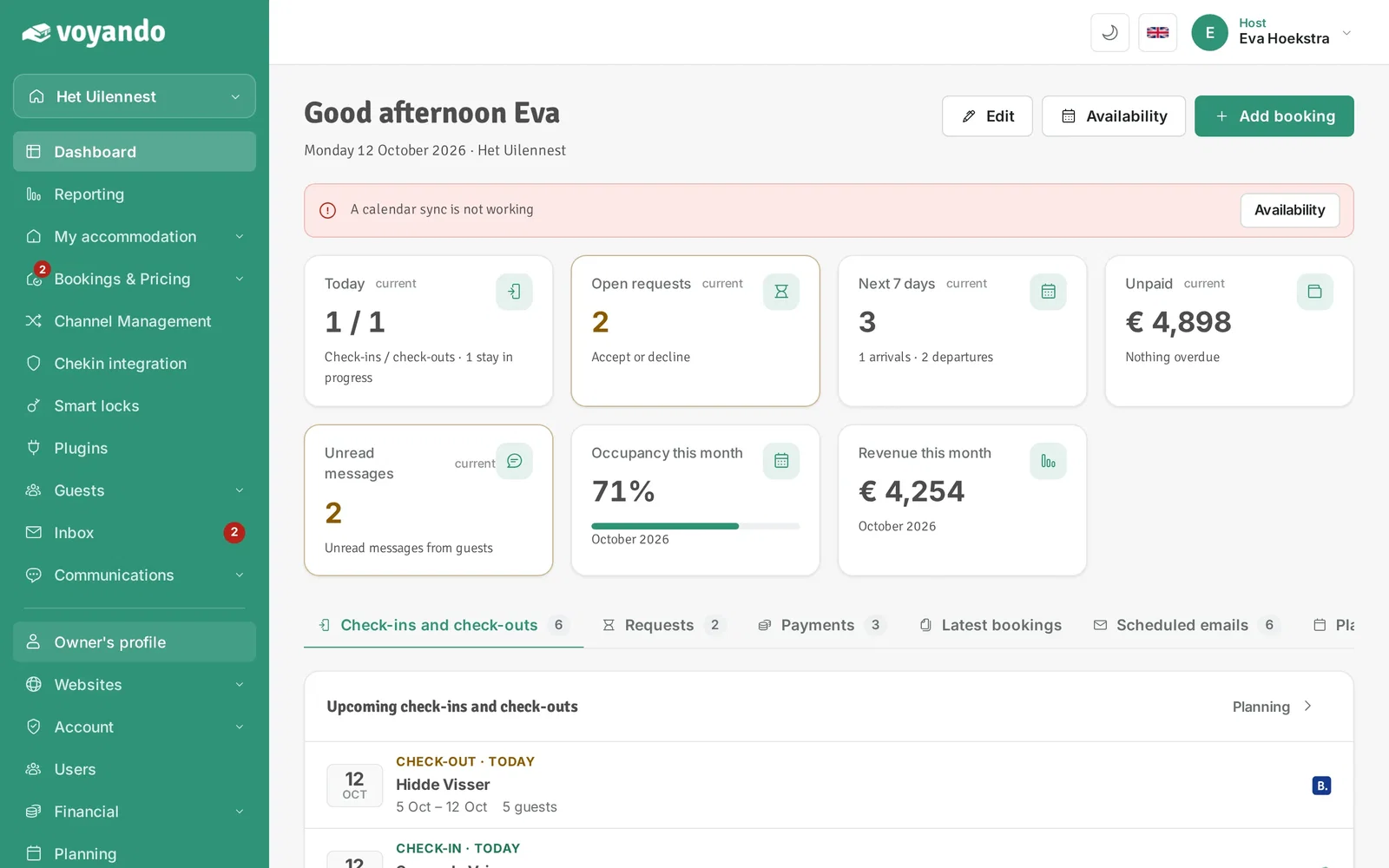
Step 1: Go to your dashboard.
-
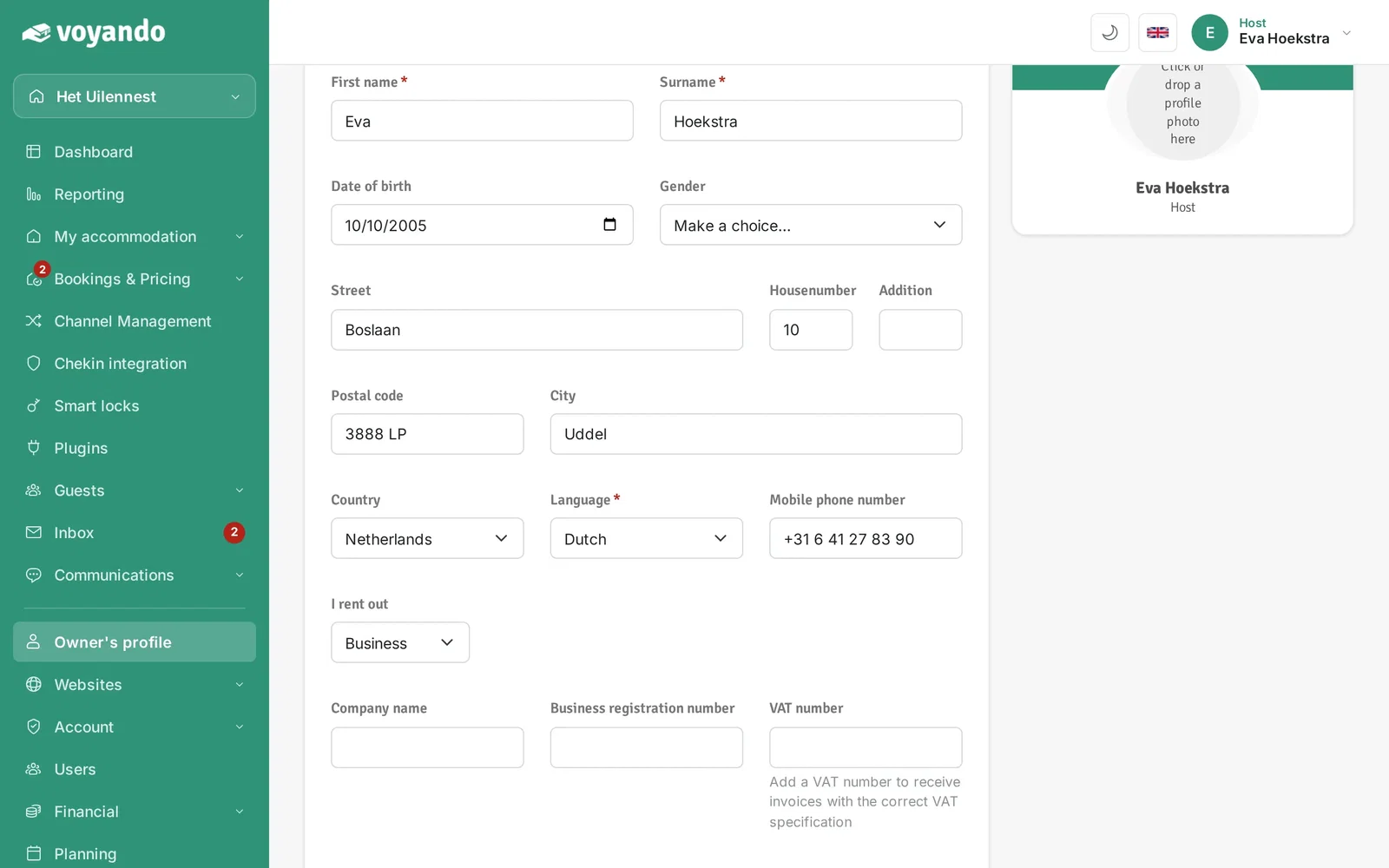
Step 2: Click Owner's profile in the menu.
-
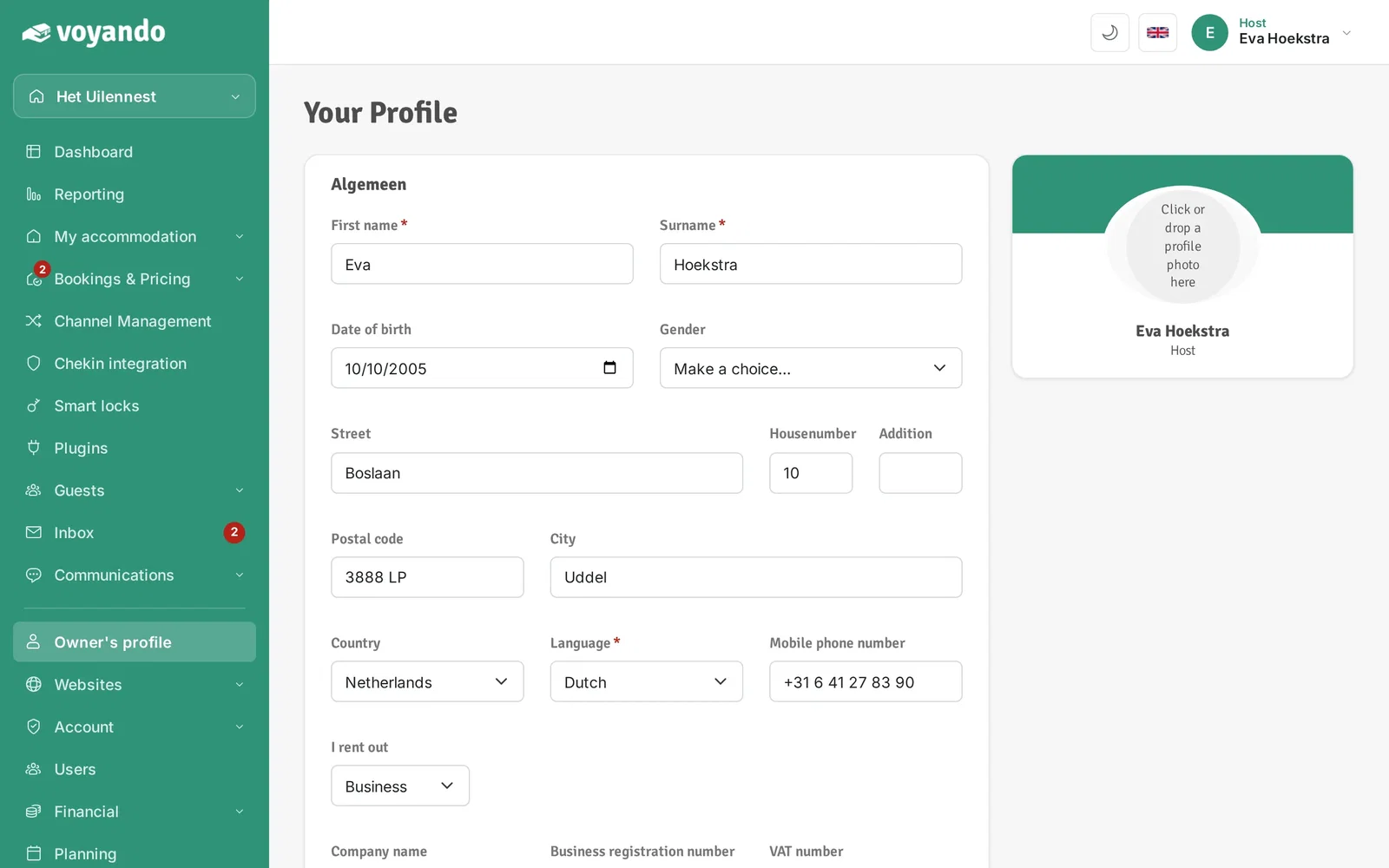
Step 3: Under I rent out, choose Business.
-
Step 4: The fields Company name, Business registration number and VAT number now appear. Enter your company details.
-
Step 5: Enter your company name and VAT number and click Save. With a VAT number your invoices show the correct VAT details.