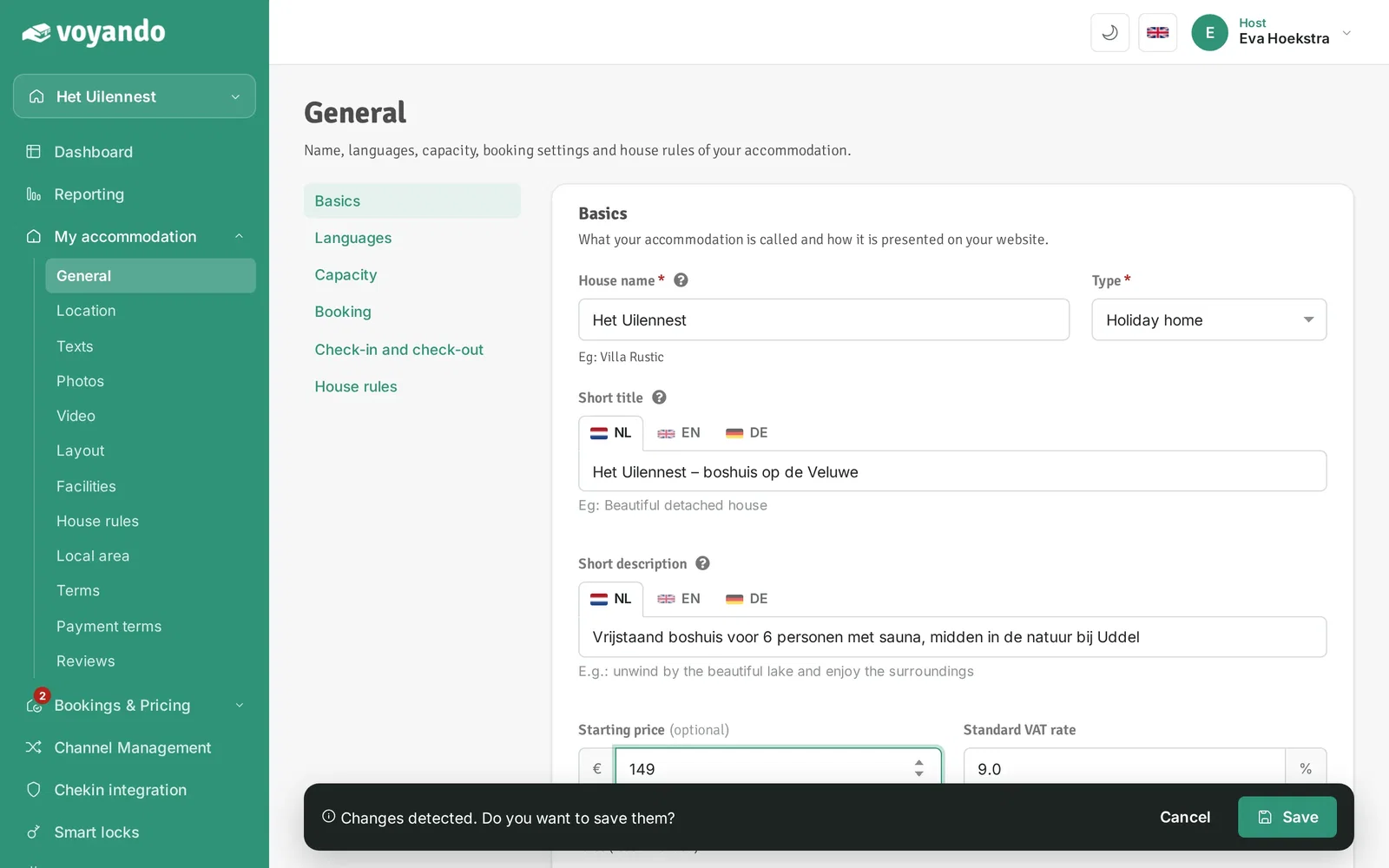
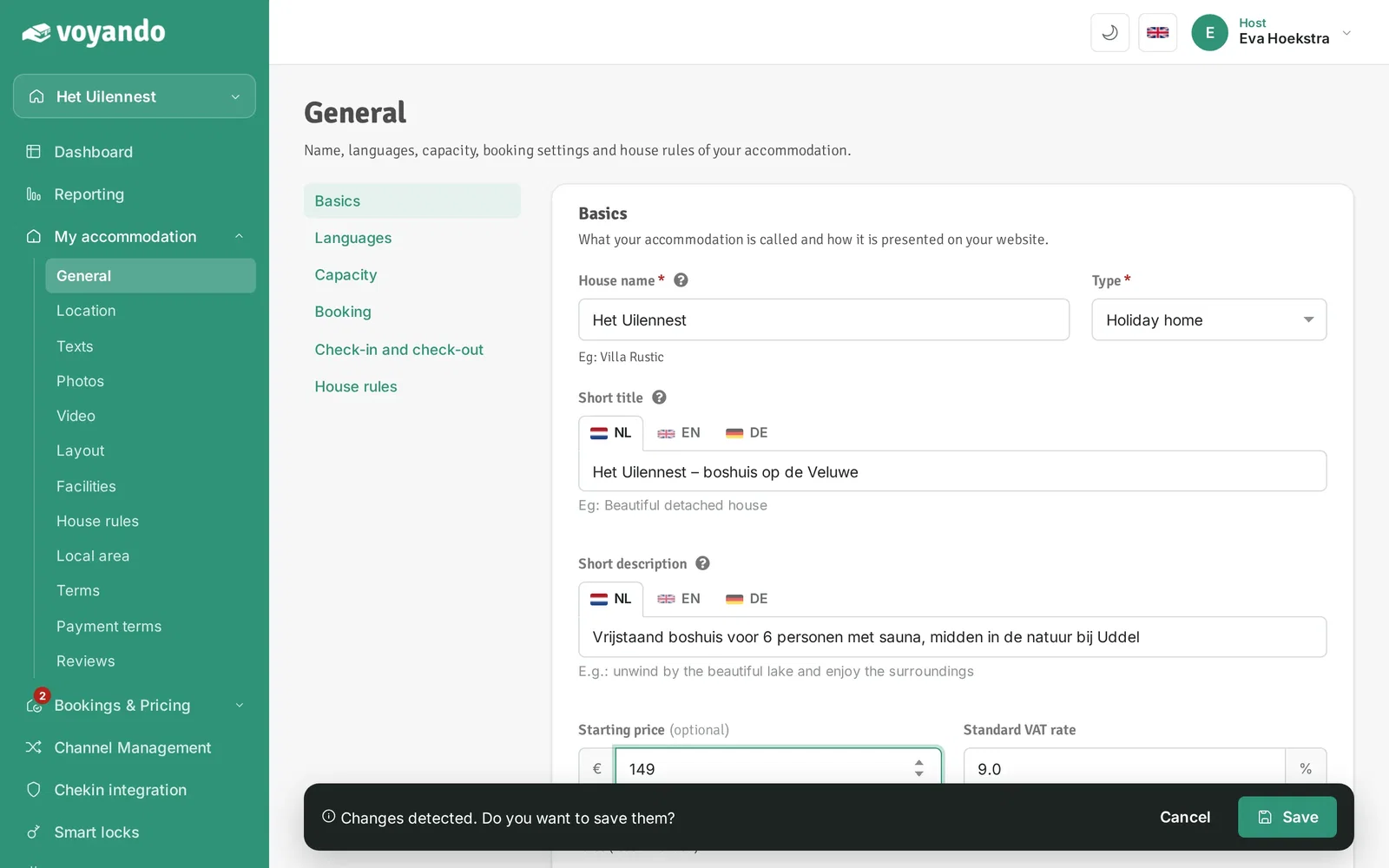
Simply adjust the ‘from per night’ price via ‘My Accommodation’ and ‘General’ in your dashboard, then save your changes.
Step by step
-
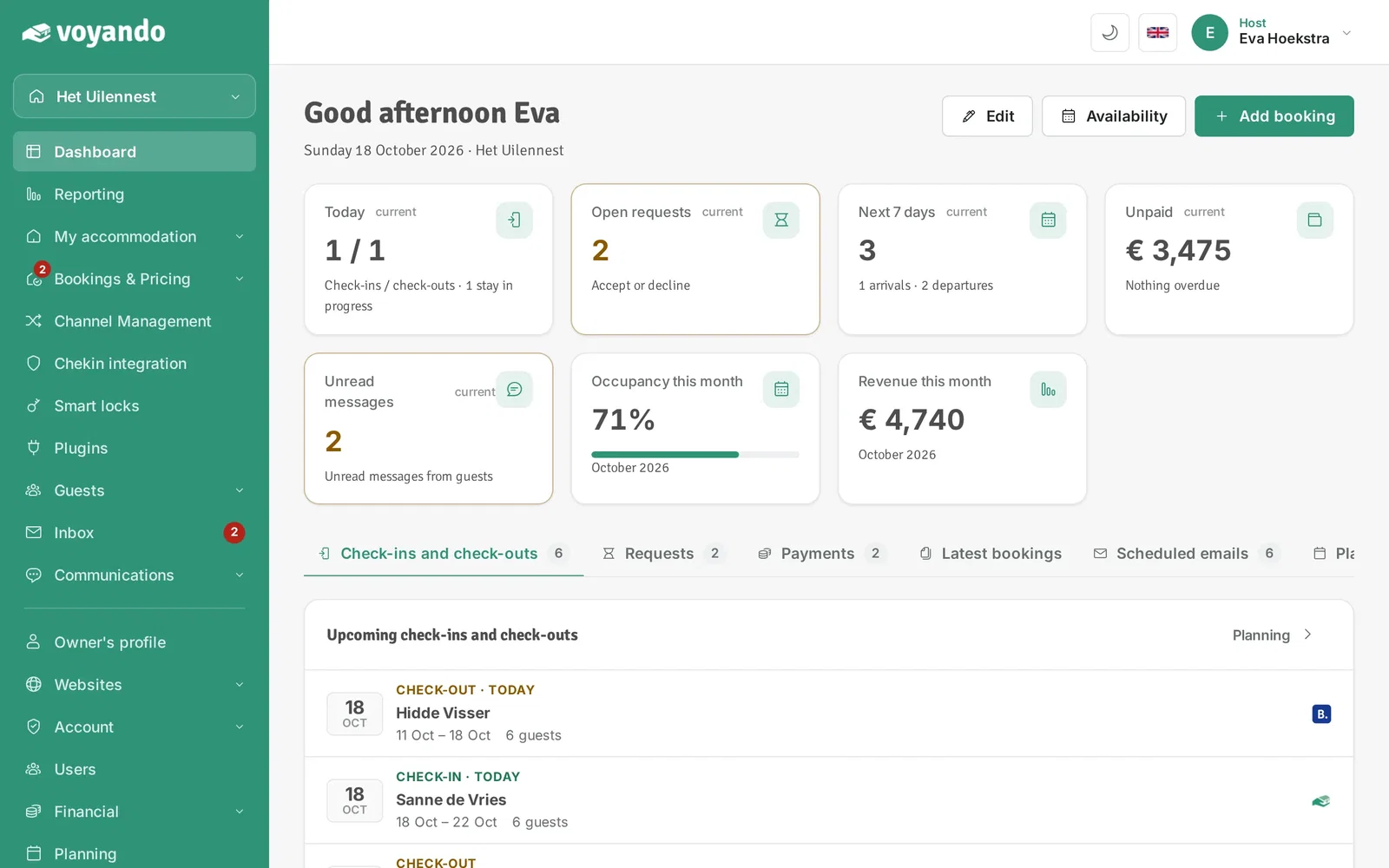
Step 1: Go to your dashboard.
-
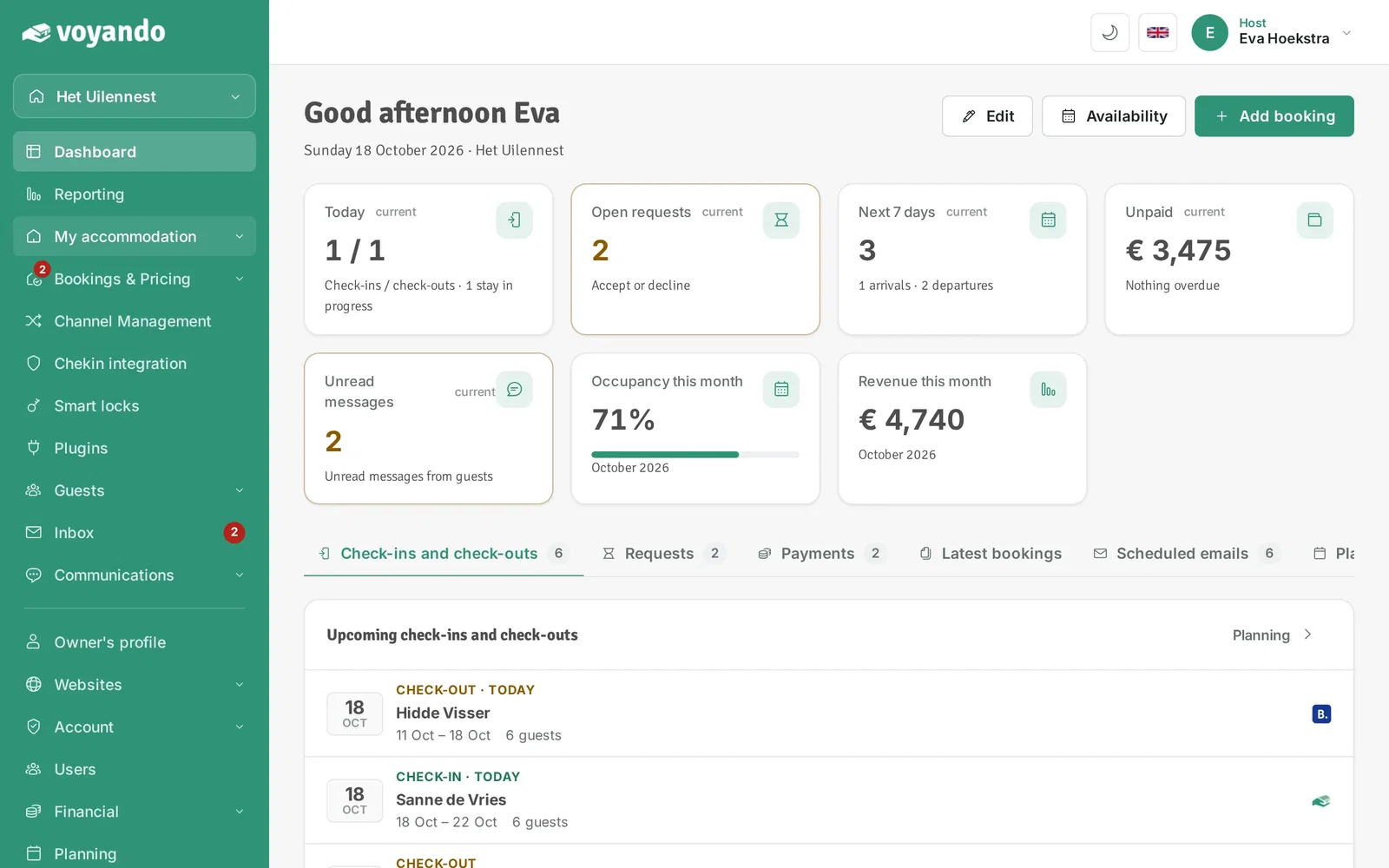
Step 2: Click My accommodation in the menu.
-
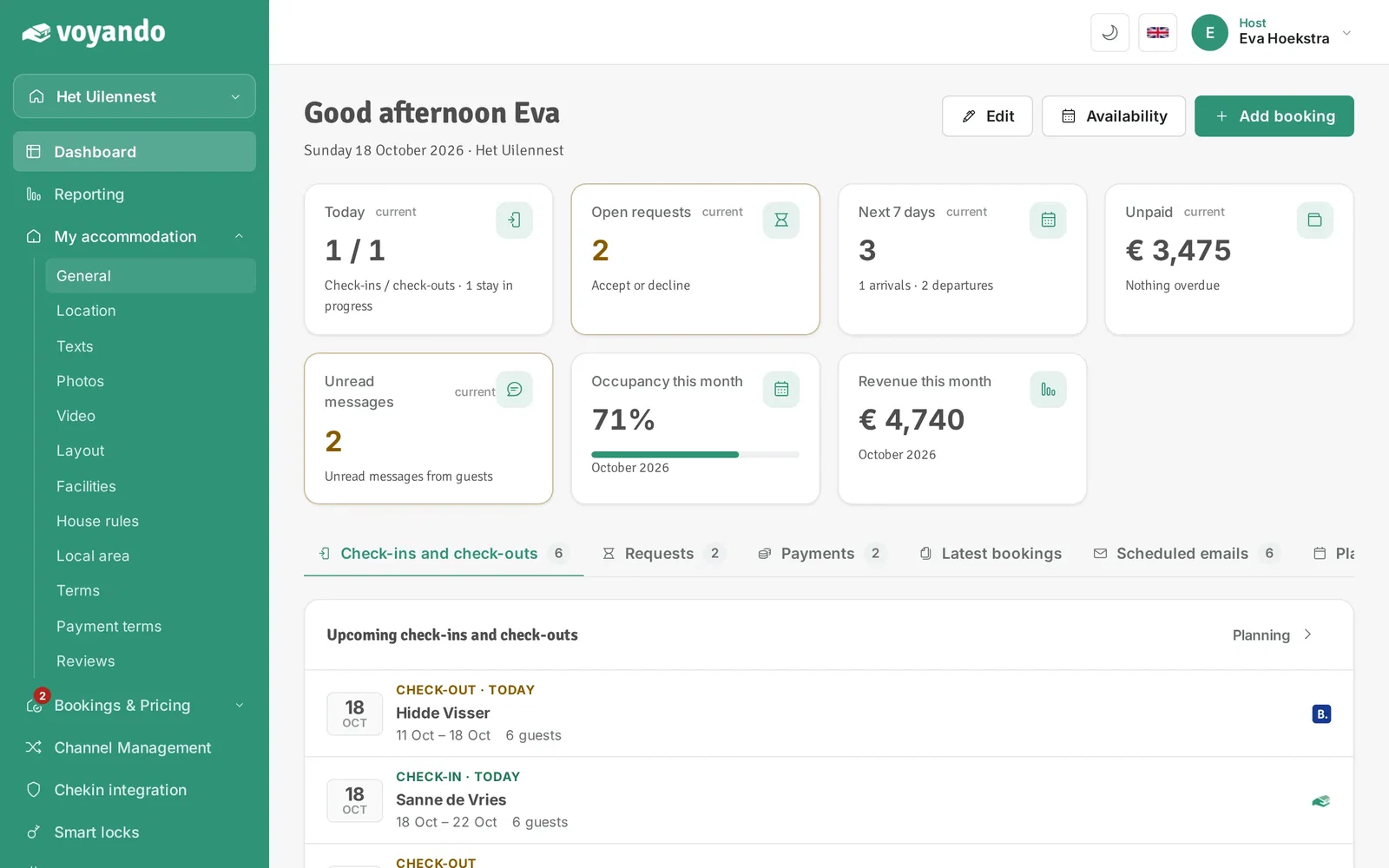
Step 3: Click General.
-
Step 4: Under Starting price, enter the amount shown on your website. If you leave it empty, it is calculated from your rates (recommended).
-
Step 5: Click Save.