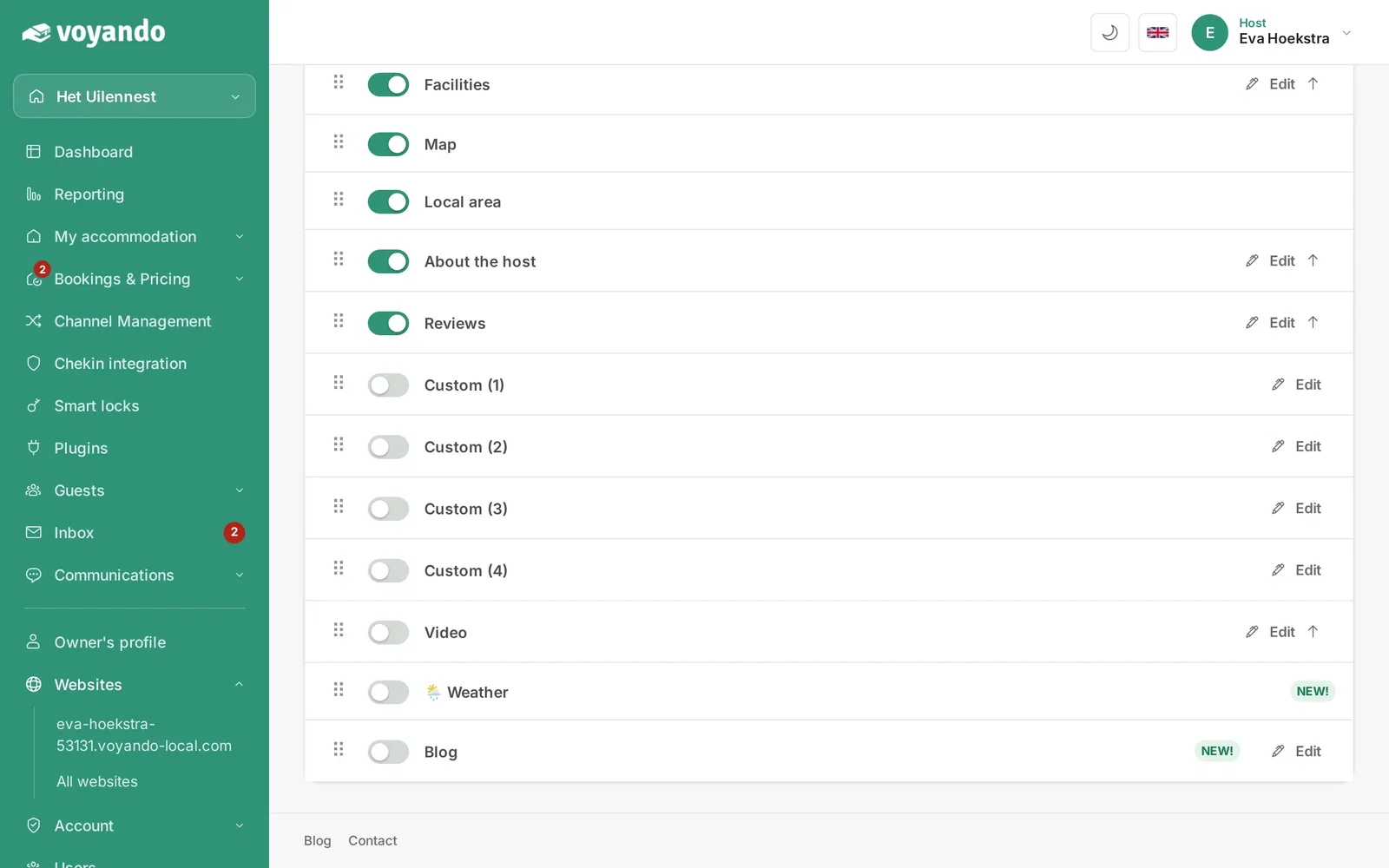
You can easily enable or disable the weather widget via Website > Pages > Edit content in your Voyando dashboard.
Step by step
-
Step 1: Go to your dashboard.
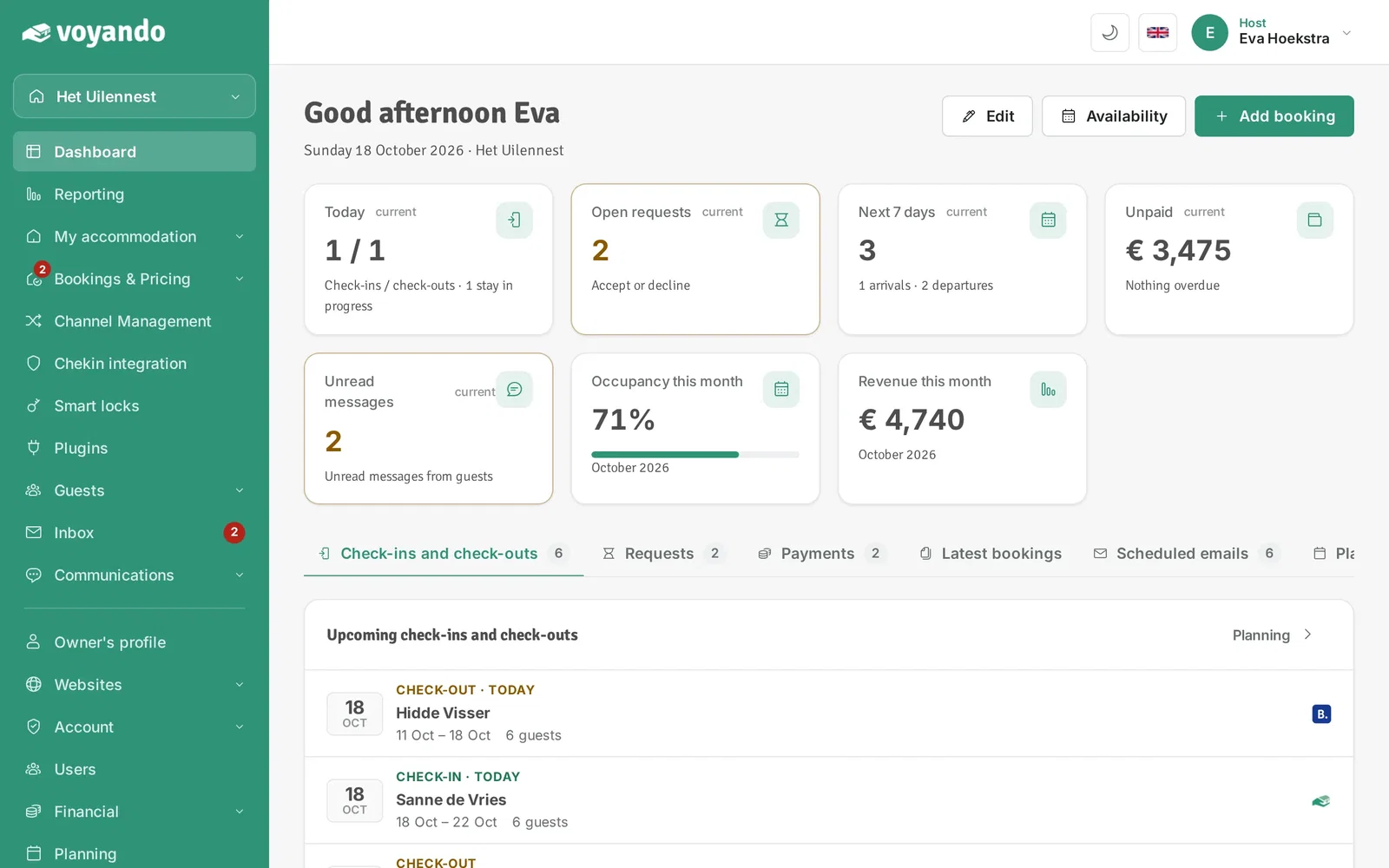
-
Step 2: Click Websites in the menu.
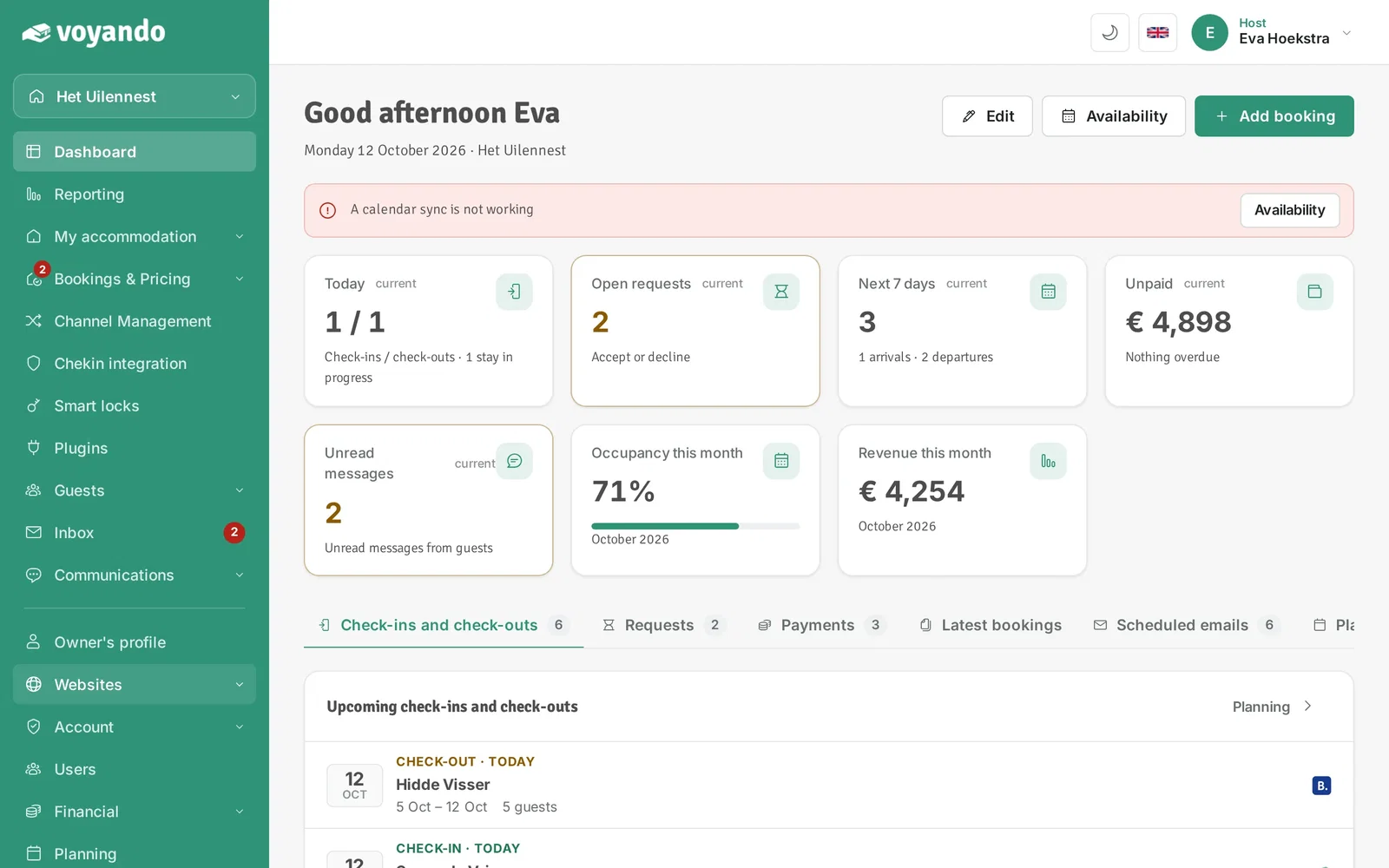
-
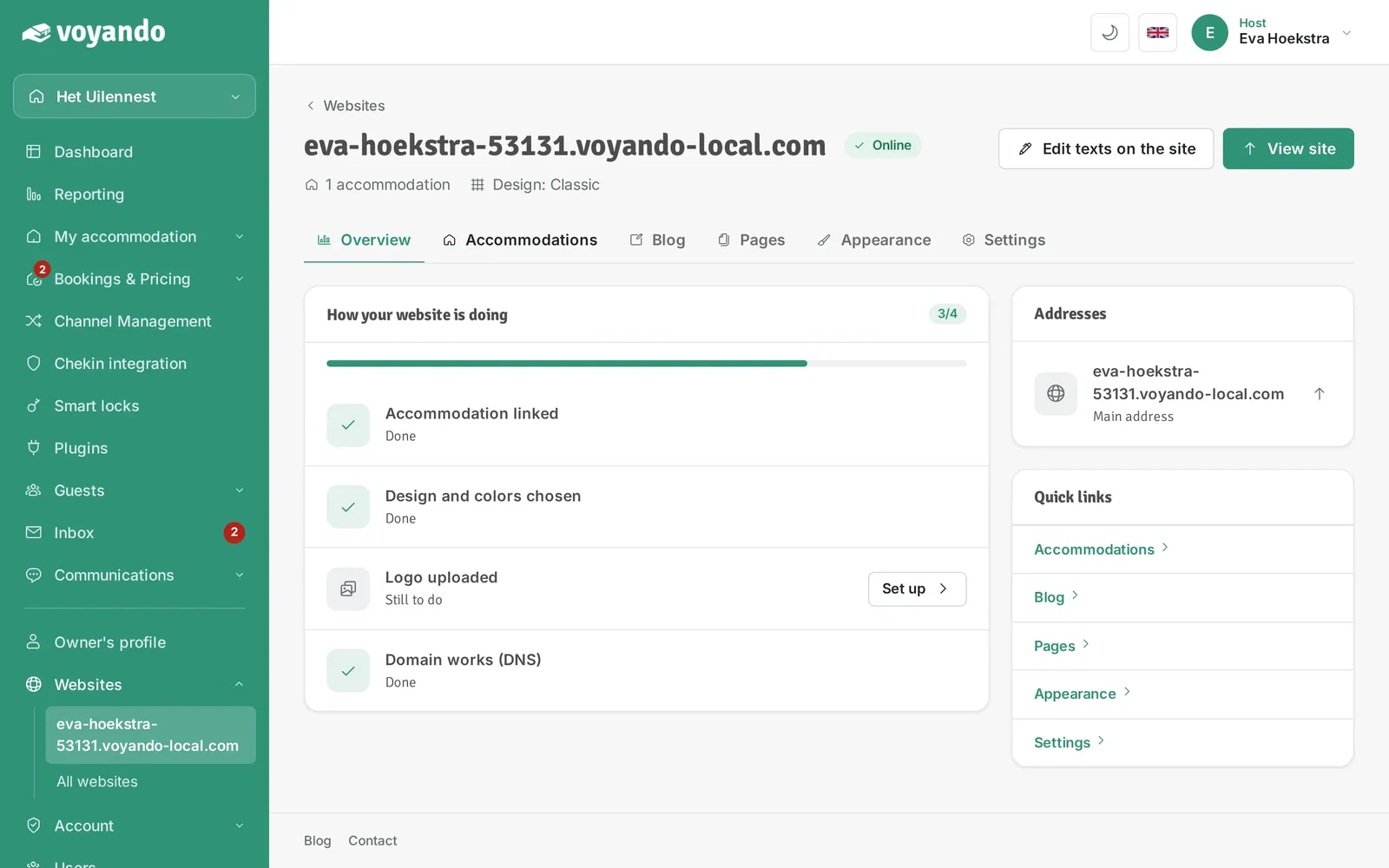
Step 3: Click the address of your website.
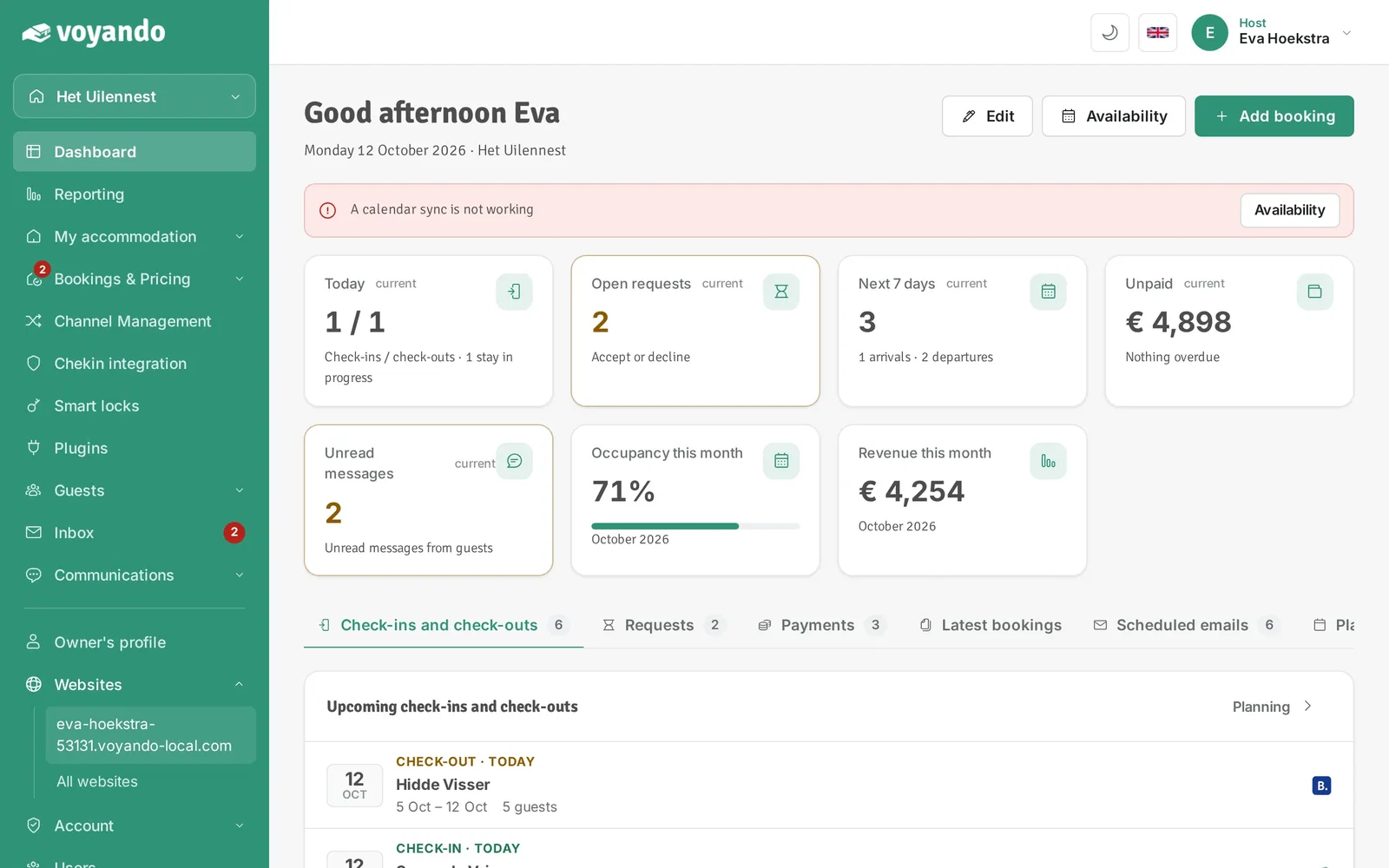
-
Step 4: Open the Accommodations tab.
-
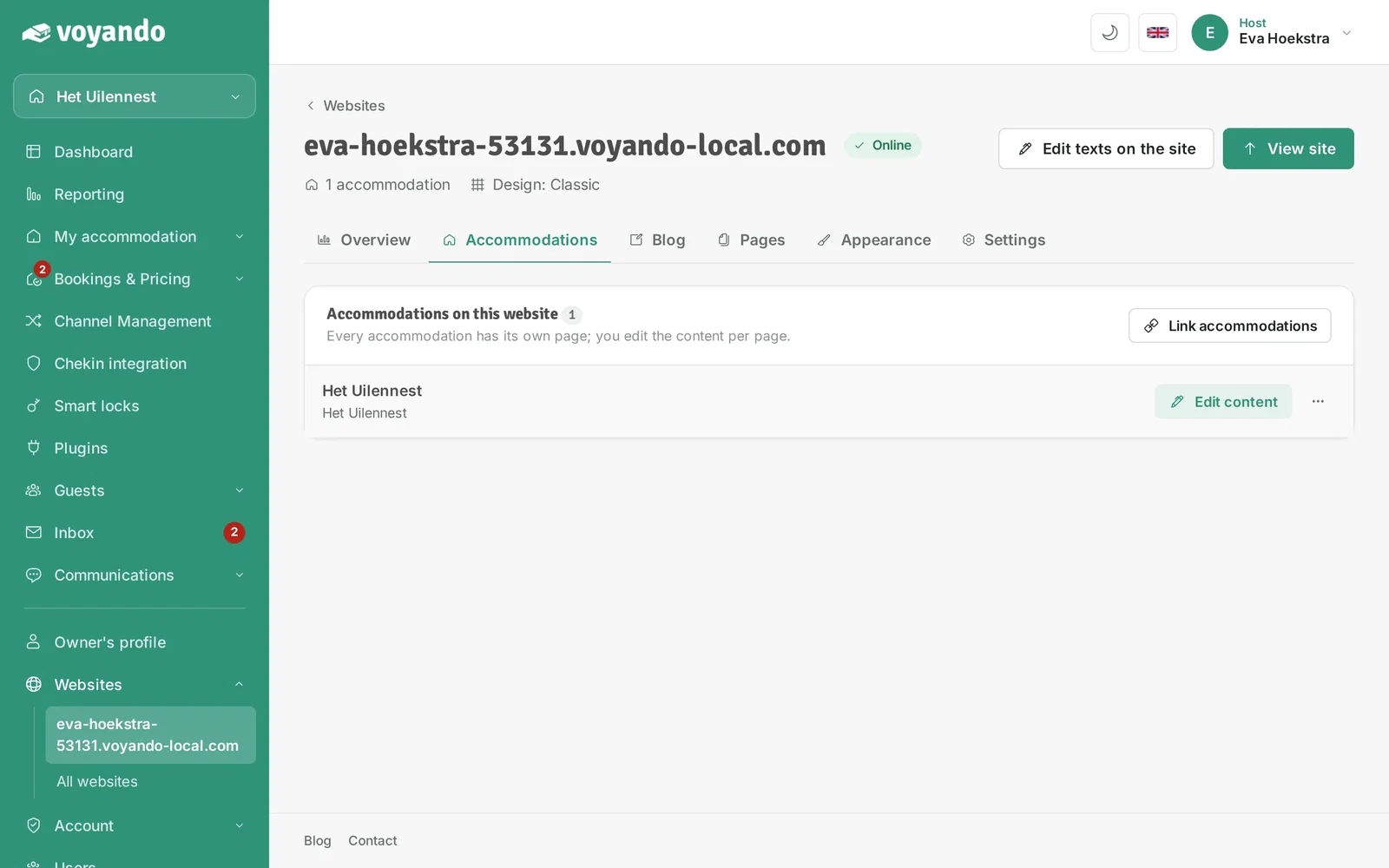
Step 5: Next to your accommodation, click Edit content.
-
Step 6: Turn the switch next to Weather on or off. Your change is saved right away.