Skip to content
Channel Manager Everything about Channel Manager Airbnb integration for your holiday homeBooking.com integration for your holiday homeVrbo integration for international holiday rentalsGoogle Travel integration for holiday rentalsConnect Airbnb to Booking.com
Website Everything about Website Sitebuilder for your holiday homeVoyando with your own websiteSecure online payments for guests
Property management Everything about Property management Automatic e-mailsComplete guest registrationUp-to-date prices and calendarSmart locksHuurkalenderReviews
Marketing Everything about Marketing Voyando app
Features Pricing Blog Help Sign in
Try free for 30 days Book an advice call

How do I add a language to my website?

7 steps Updated

You can easily add languages to your website via the dashboard and set the default language under ‘My Accommodation’ in the ‘General’ section.

Step by step

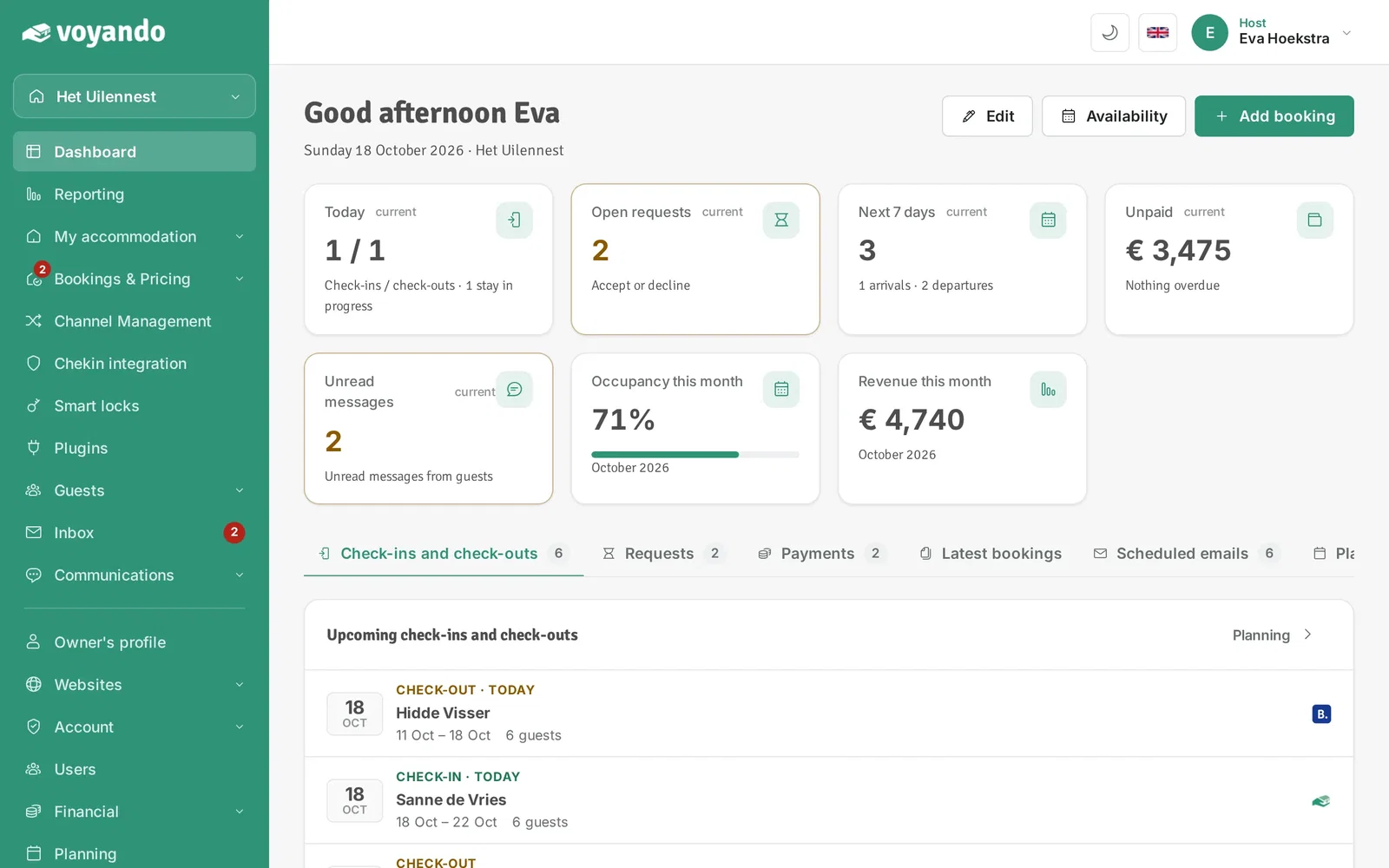
  1. Step 1: Go to your dashboard.

    How do I add a language to my website? – step 1: Go to your dashboard.
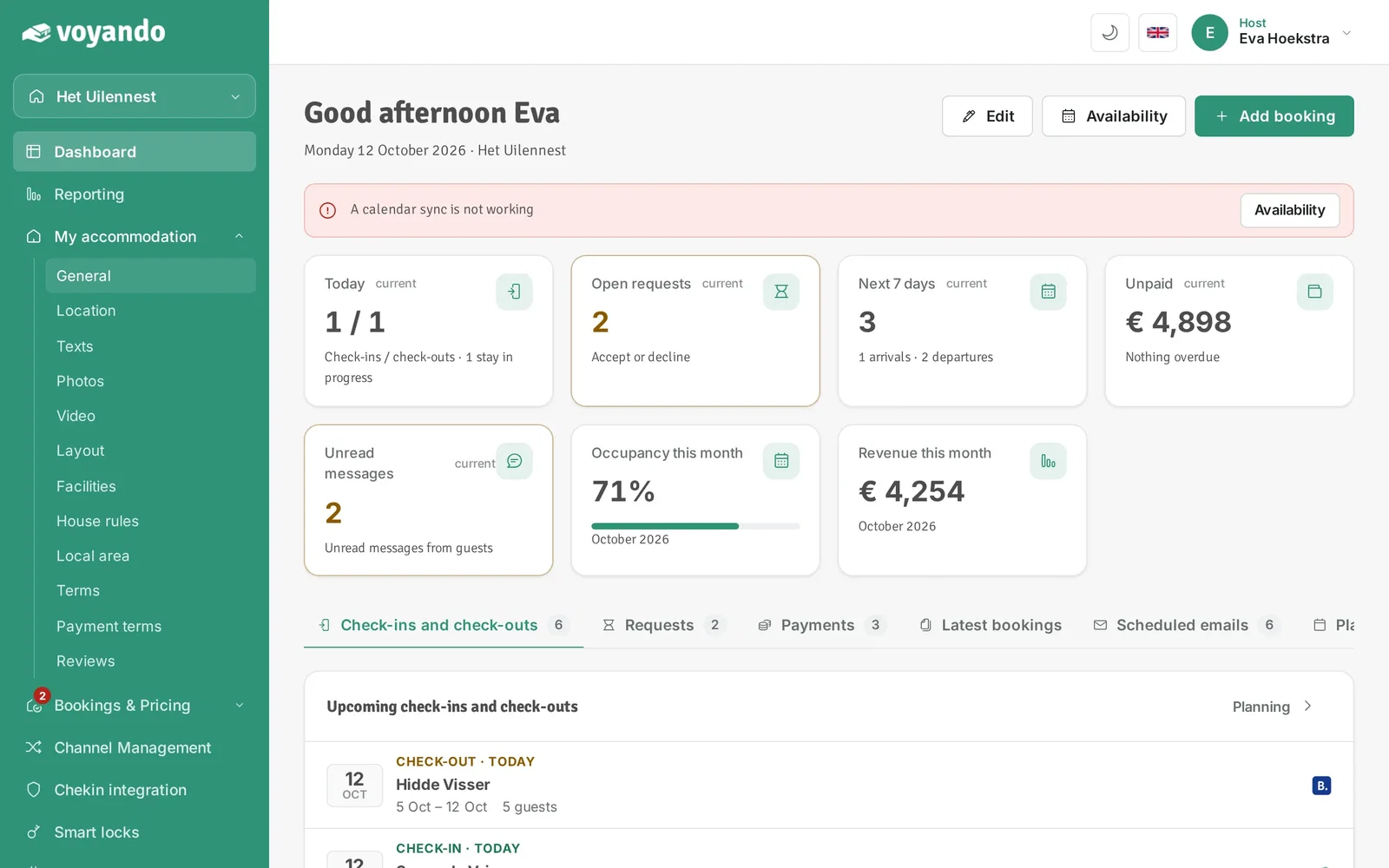
  2. Step 2: Click My accommodation in the menu.
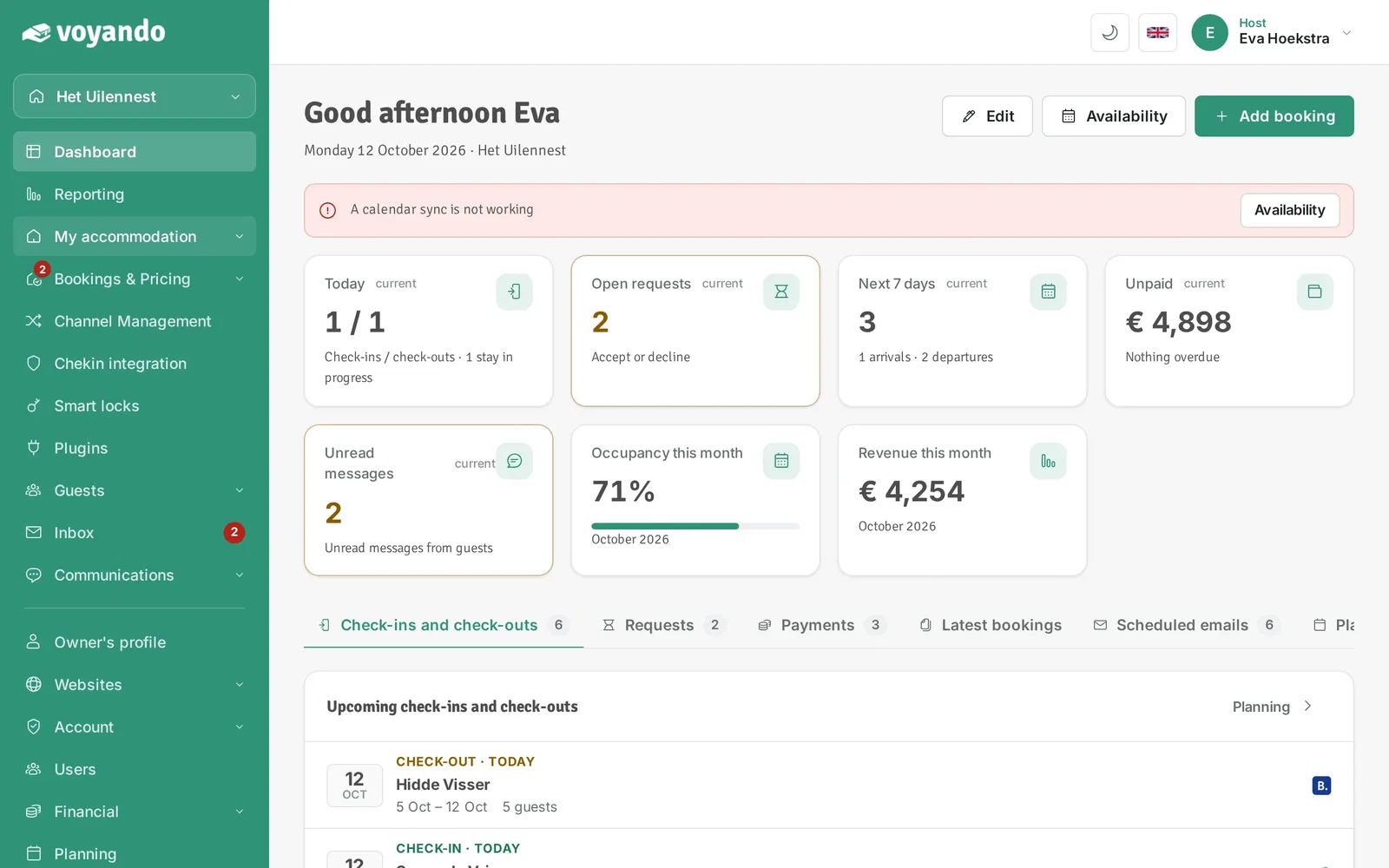
    How do I add a language to my website? – step 2: Click My accommodation in the menu.
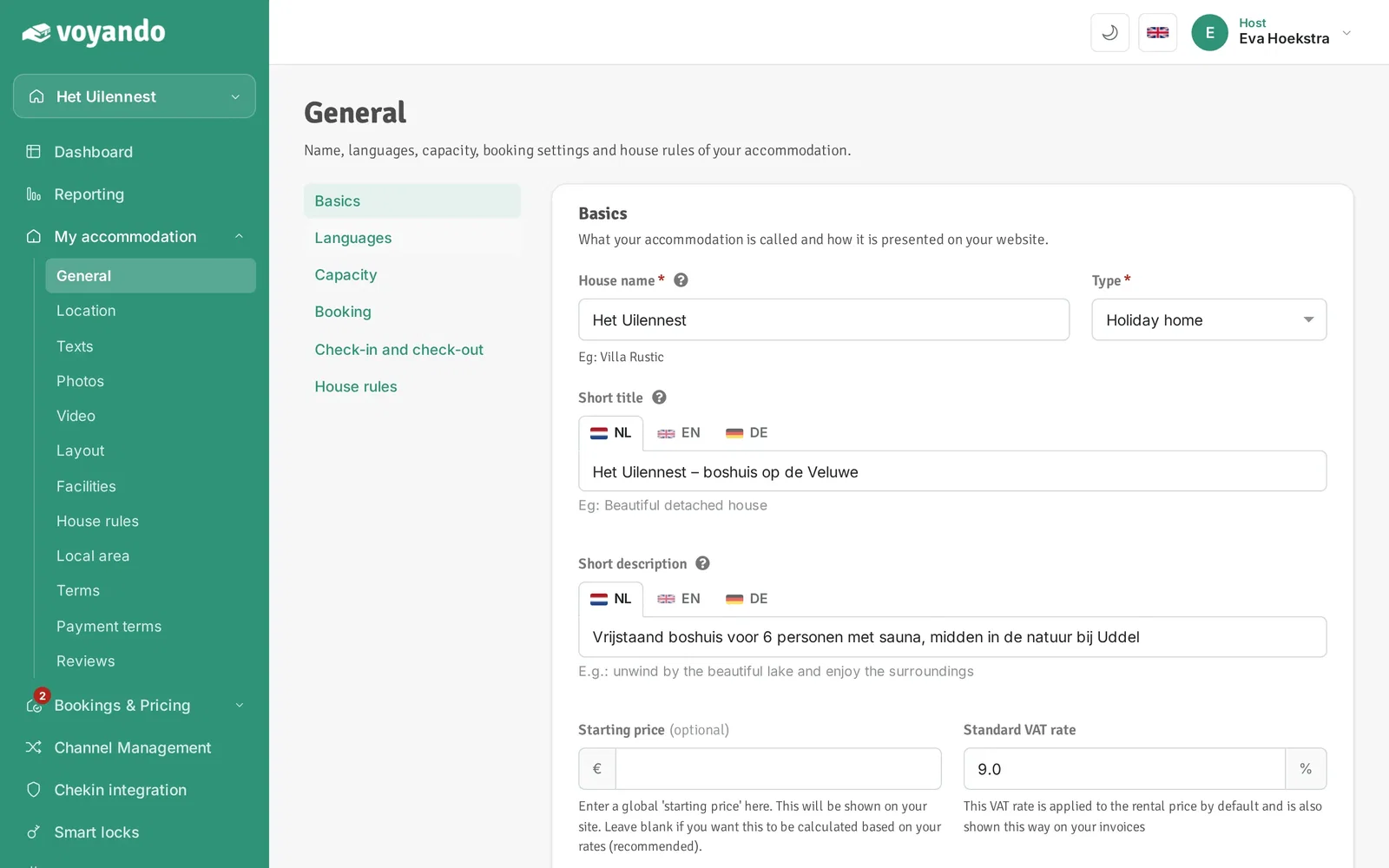
  3. Step 3: Click General.

    How do I add a language to my website? – step 3: Click General.
  4. Step 4: Go to Languages.

    How do I add a language to my website? – step 4: Go to Languages.
  5. Step 5: Select the languages your website and e-mails should be available in.
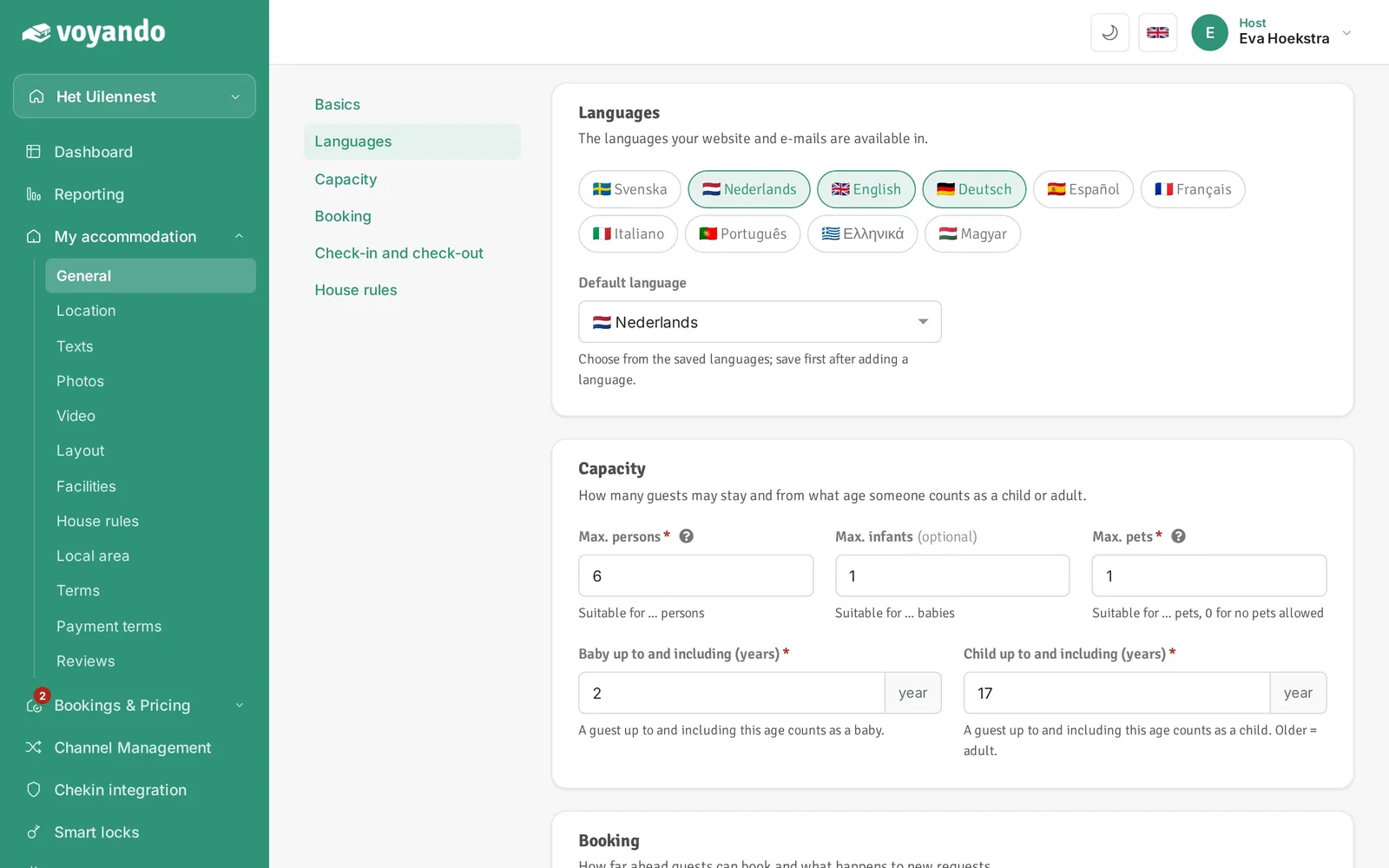
    How do I add a language to my website? – step 5: Select the languages your website and e-mails should be available in.
  6. Step 6: Under Default language, choose the language your website opens in. A new language can only be chosen here after saving.
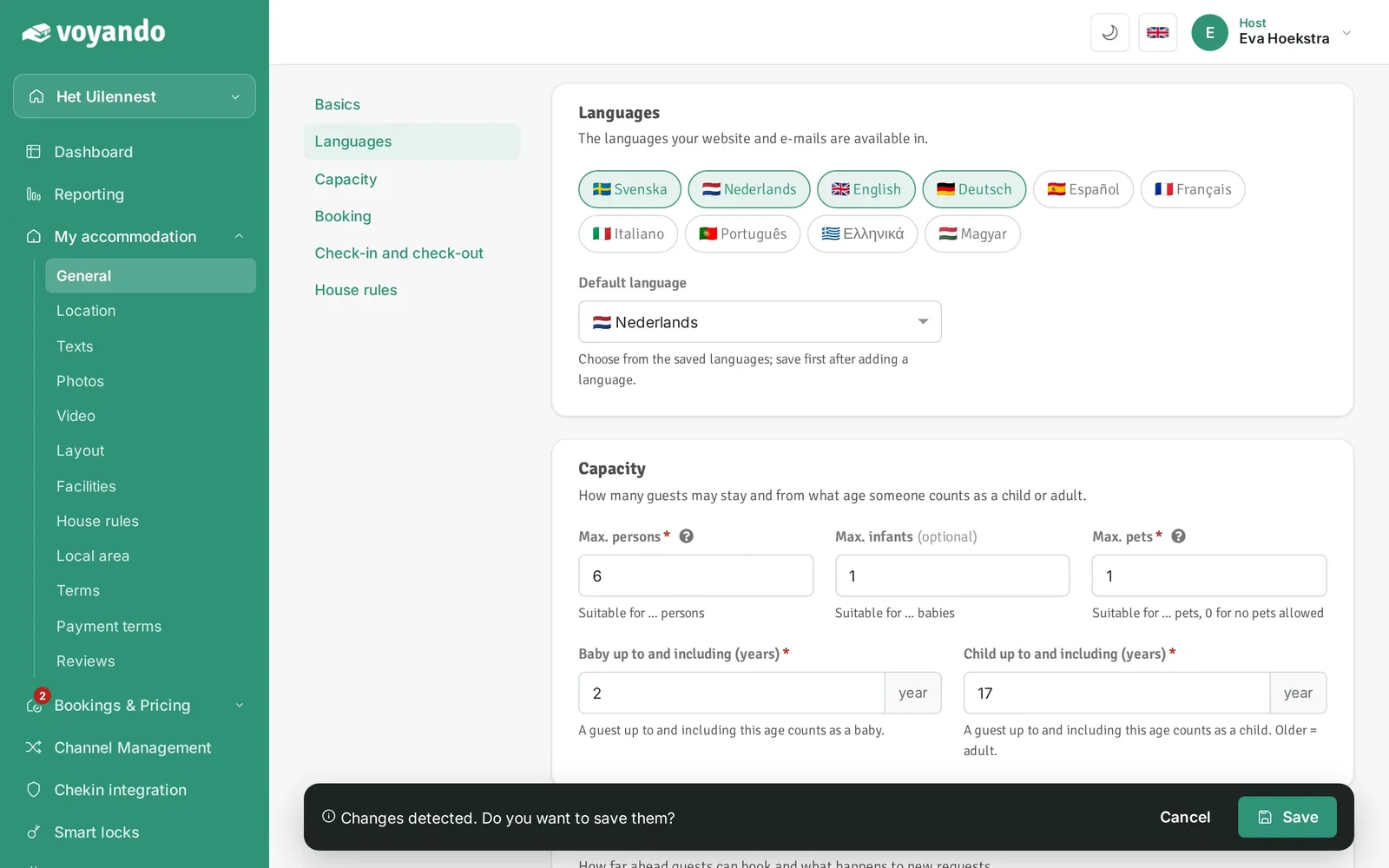
    How do I add a language to my website? – step 6: Under Default language, choose the language your website opens in. A new language can only be chosen here after saving.
  7. Step 7: Click Save in the bar at the bottom.
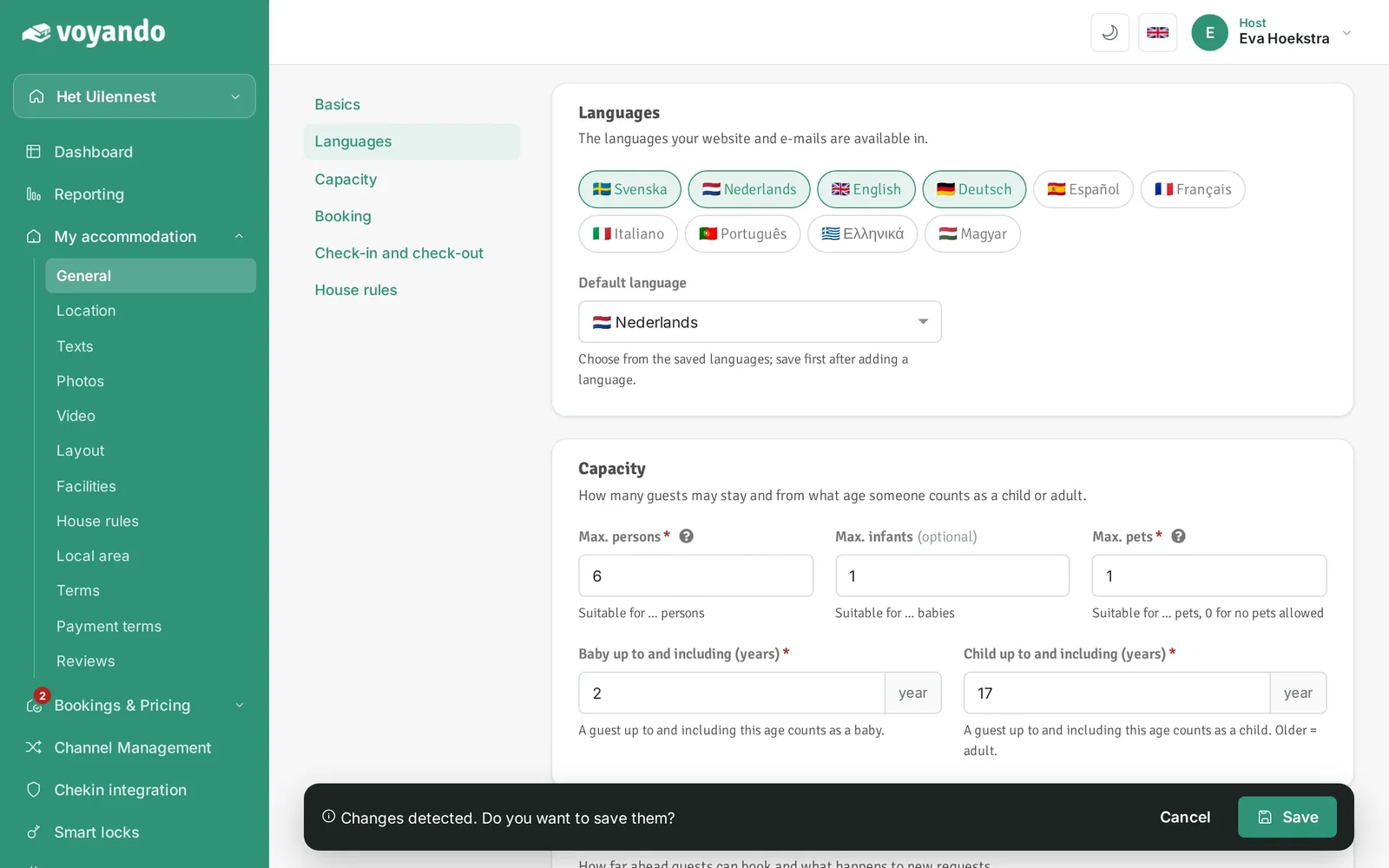
    How do I add a language to my website? – step 7: Click Save in the bar at the bottom.
Try for free Demo
Free webinar

Earn up to 15% more with your accommodation

Watch our free webinar with practical tips for more direct bookings and a better price. Leave your email address and you can watch straight away.

Or try Voyando right away 30 days free.